Unfortunately the forecast our last day in Crete called for severe thunderstorms. Given the treacherous nature of the roads even when dry and sunny, we opted not to stray too far from home.
Roadside church with resident goats
We drove to Kissamos, a small town on the coast just north of where we are staying. There’s an Archeological Museum, seaside walk and plenty of restaurants. Unfortunately for us, while the sign outside said it should be open, the caretaker for the Archeological Museum decided to take the day off, and the museum was closed.
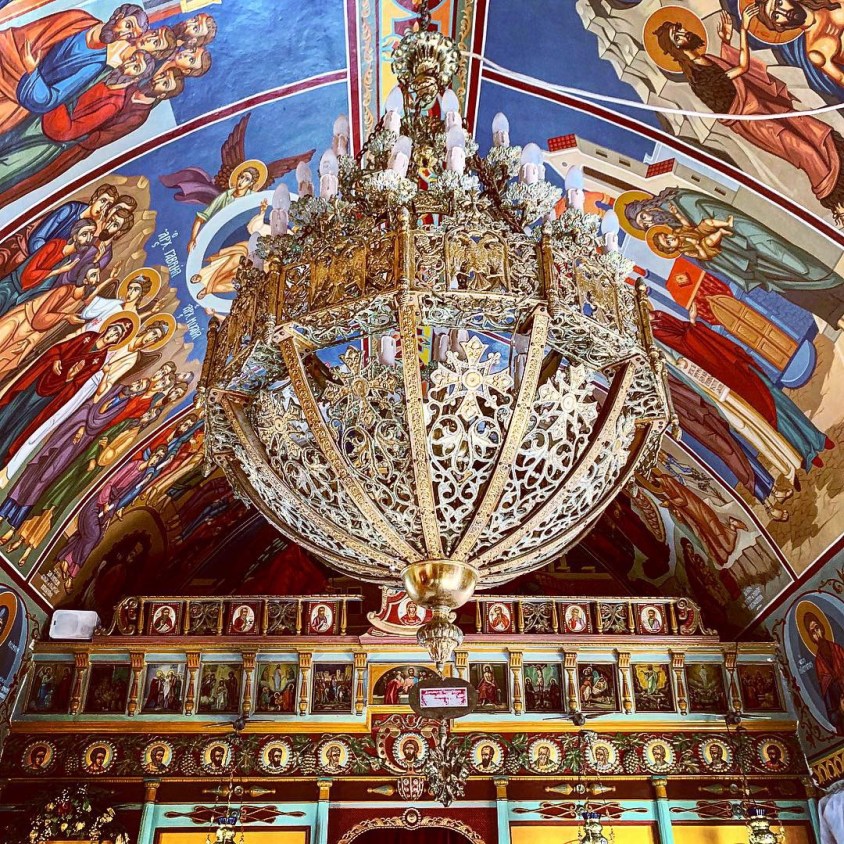
Ornate ceilings inside the small church at Kissamos SquareThe town square in Kissamos features plenty of outdoor cafe seating
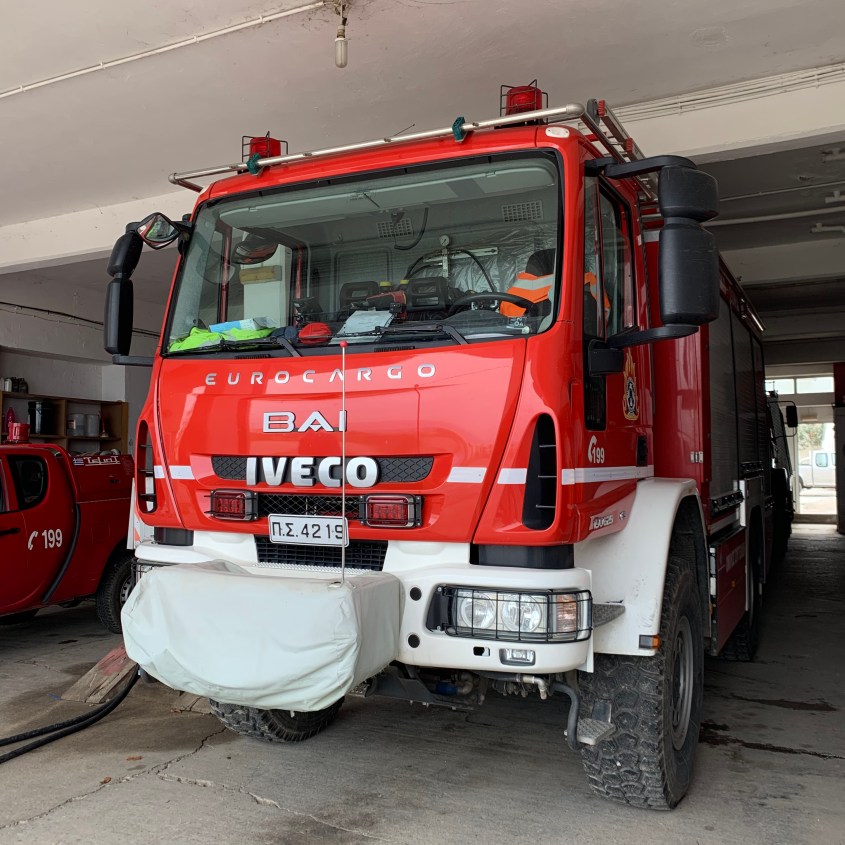
After lunch we walked in search of the local fire station. Despite our start to the trip, we’ve otherwise seen no signs of a medical system. I’ve yet to see a hospital anywhere, and have seen only one ambulance back in Athens. Public services have been scaled back over the years as the Greek economy struggled.
The Kissamos fire station has tanker trucks but no ambulancesThey had three of these vehicles
We continued walking towards the beach and passed by the Bishop’s Palace by the seaside.
The Bishop’s Palace, Kissamos, Crete
At first glance, I thought it was a municipal building or home of a celebrity. It was only then I noticed the crosses topping the flagpoles that I realized this was a religious-affiliated building.
Lifeguard stand at Kolpos Kissamou, Greece
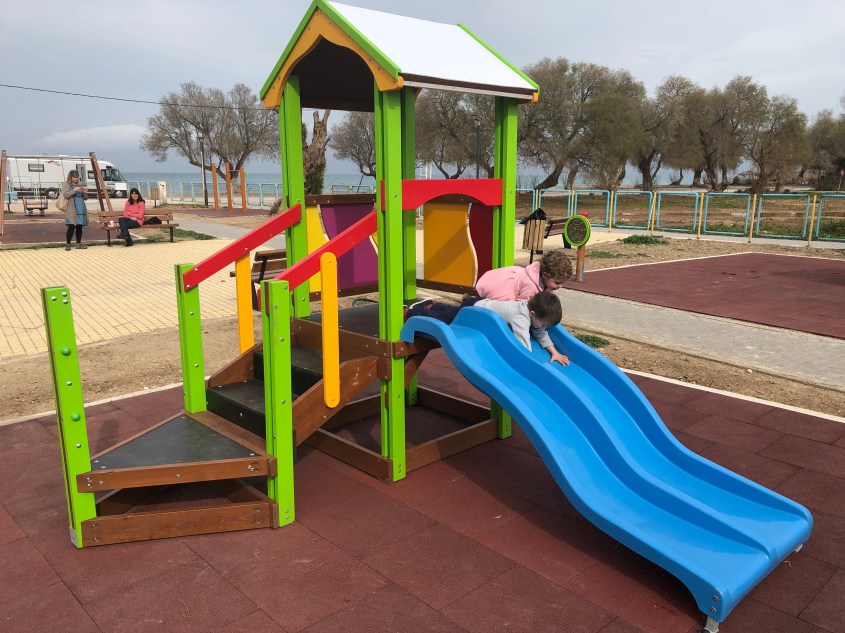
We hit the jackpot when we rounded the corner and saw a large public playground with slides, swings and monkey bars. Greece has a fair number of public playgrounds. We’ve run into one at almost every tourist destination.
Two slides but the left is just much more appealingChurch next to the fire station
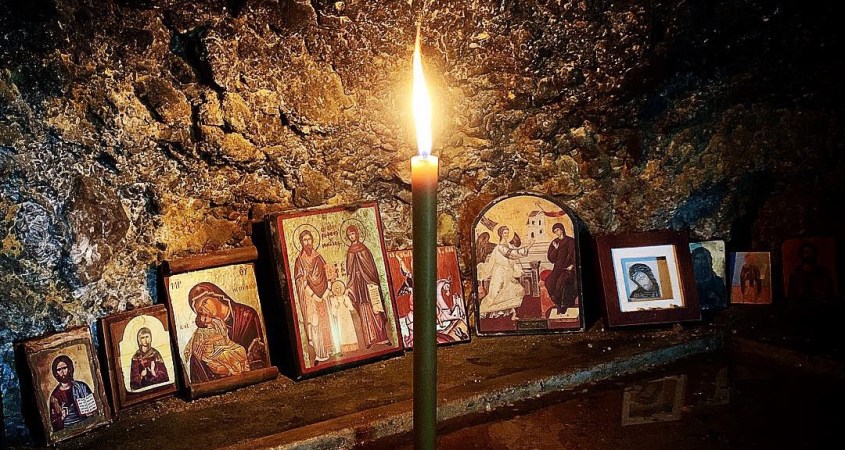
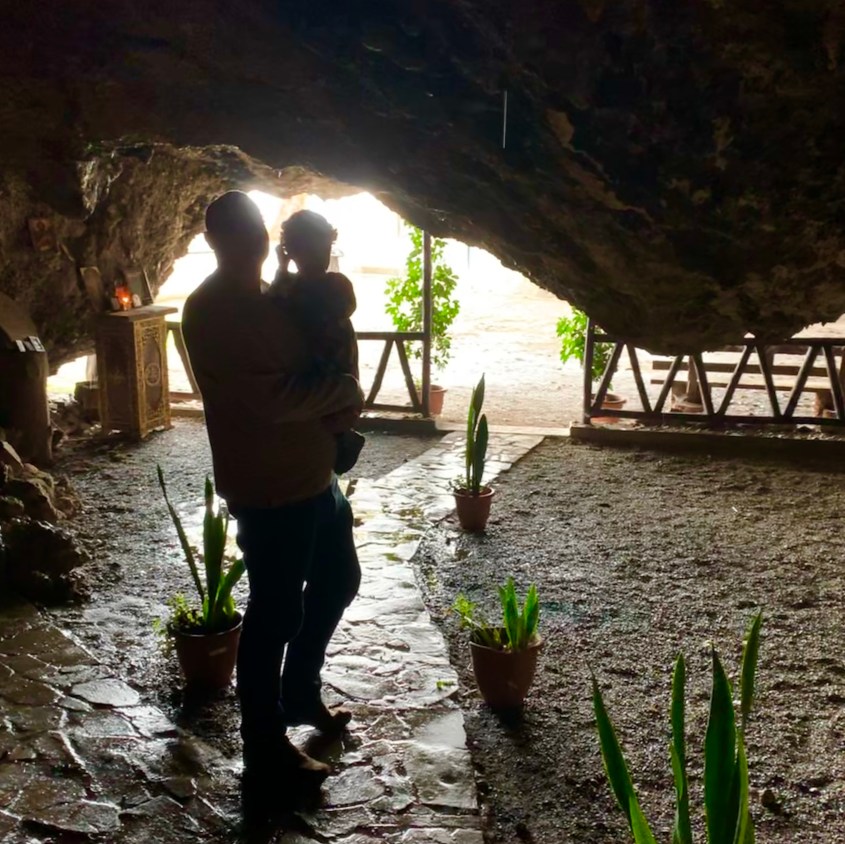
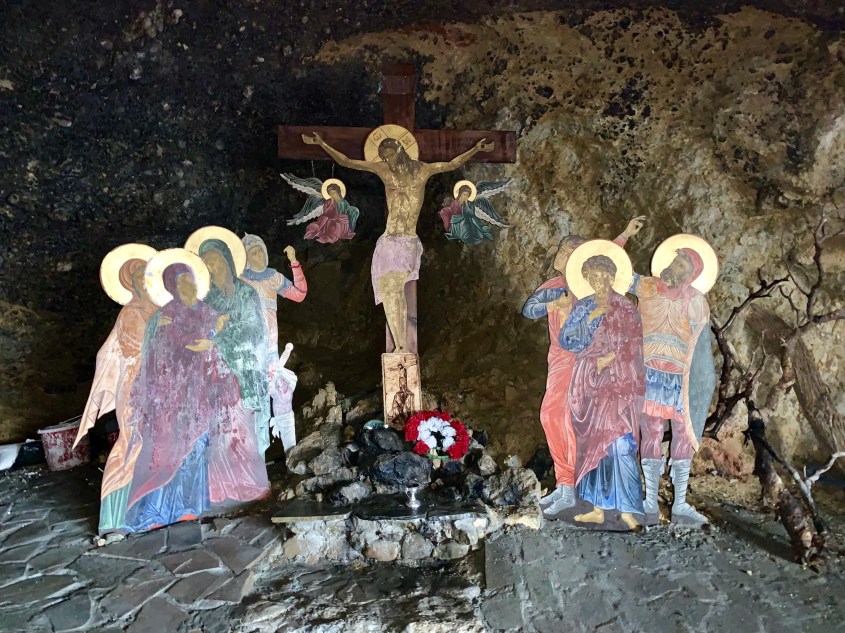
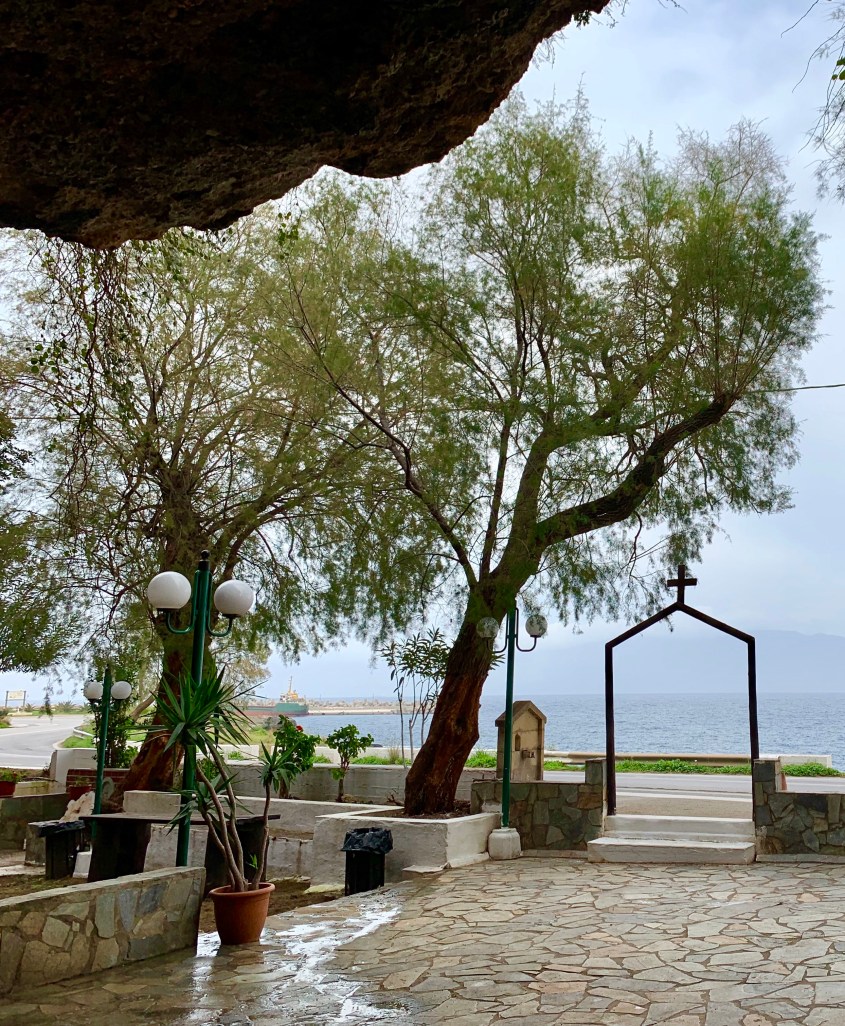
We opted to drive back early to Villa Irene as we didn’t want to get caught in the rain. As we exited Kissamos, we were able to make a quick stop at a small church built inside of a seaside cave called Cave Church St. John.
Saint John Damialis Church & CaveAltar inside the cave
The church was built in the 10th century. There’s a natural rock formation that provides a dramatic ceiling for this special church.
A structure sits to the left, and on the right within the cave are multiple altarsWhile we were alone, multiple candles were shining brightlyWater drips through the porous rocks and from the ceiling of the caveGilded figures line the walls
I entered the church with the black and white floor carefully. The floor was wet and slippery and the whole area dark.
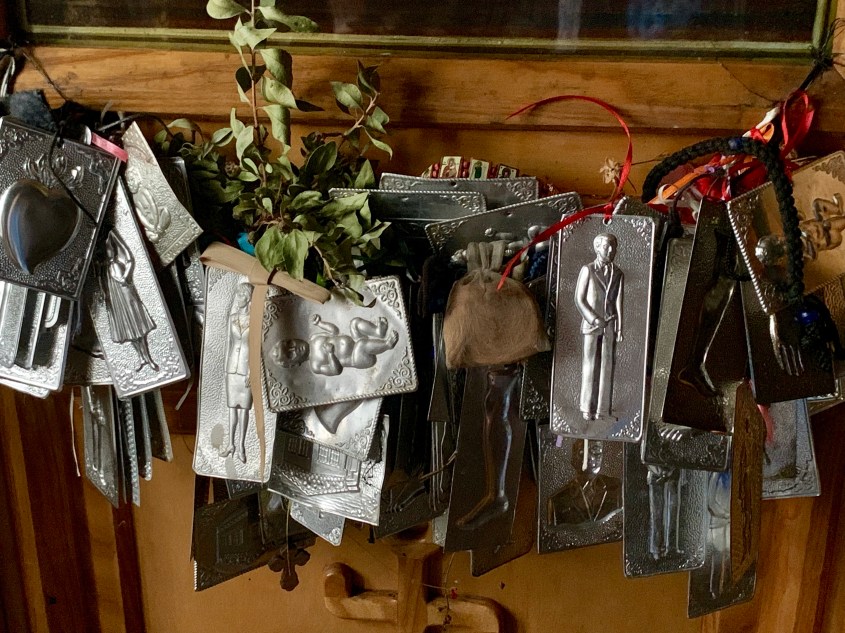
Confessional booth within the churchReligious iconsLooking out at Kissamos Bay
We made it back to Villa Irene just before the thunderstorm unleashed torrents if rain, wind and lightening on the coast. Our instinct to get home before the storm was on point. Driving in the storm would have been dangerous and nail-biting.
Tonight I’ll start packing up for the flight back to Athens tomorrow. It’s hard to believe our trip is coming to a close.
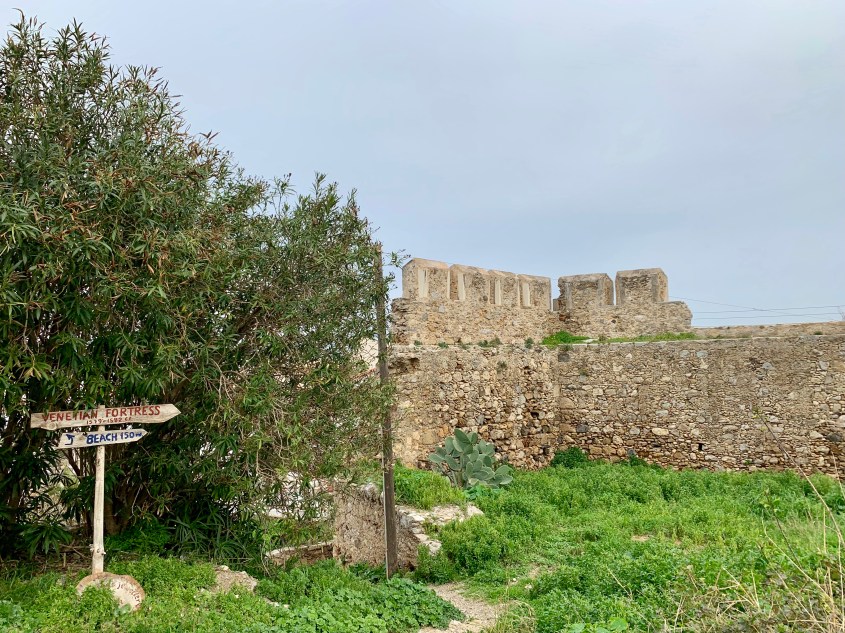
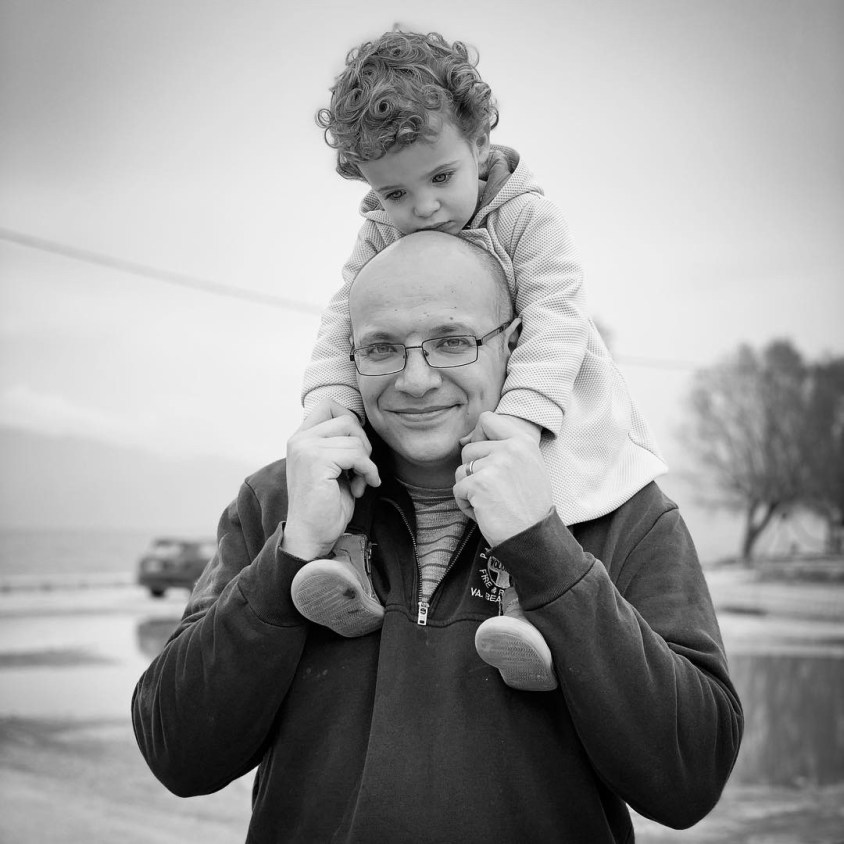
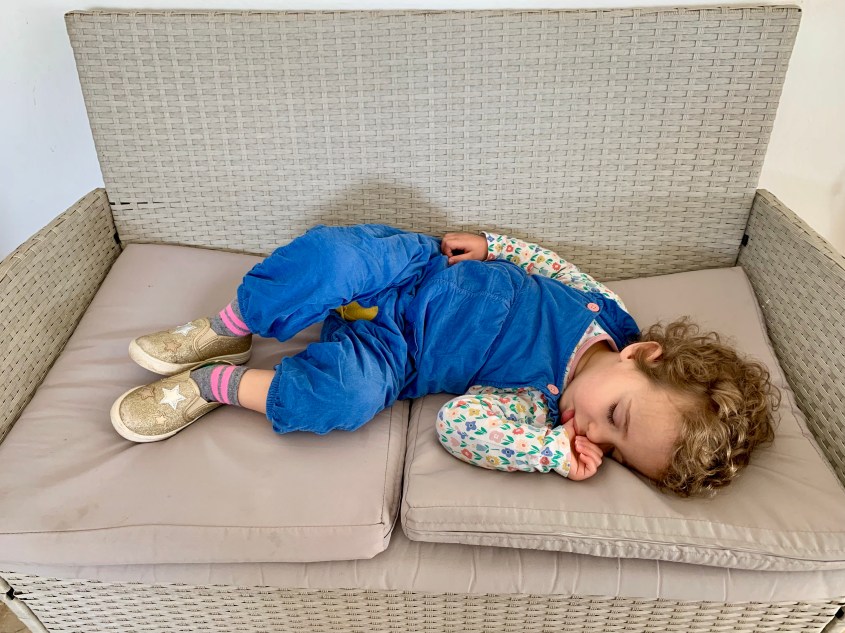
Venetian Fortress of Kissamos, 1579-1582 AD.#1 Toddler was tired after the playgroundKissamos Beach
So it’s 6:30pm here in Greece, and we’re drinking champagne and eating peanut M&Ms. That’s been the theme of the day – slow and casual. We started the day with no clear plans, but not for a lack of trying.
Mr. Snail taking his time
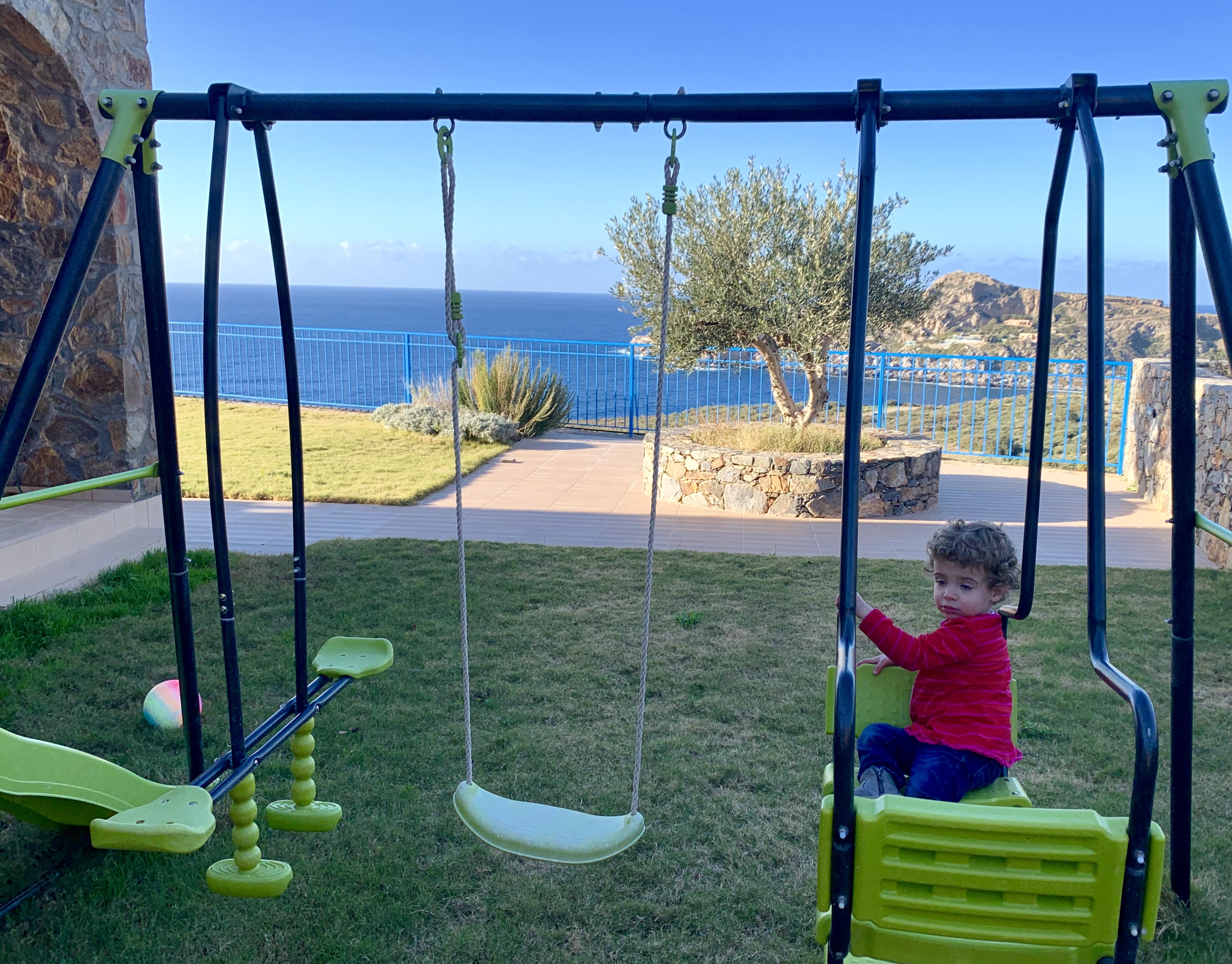
We started the morning playing in the yard, swinging on the swings and appreciating the small gifts from Mother Nature. There are tons of snails and millipedes here at Villa Irene. Amir was drying out his bathing suit yesterday,and when I shook it to bring it inside, 4 millipedes fell out. Ooopfff.
Despite it being winter, the rose garden of Villa Irene still offers some jewels
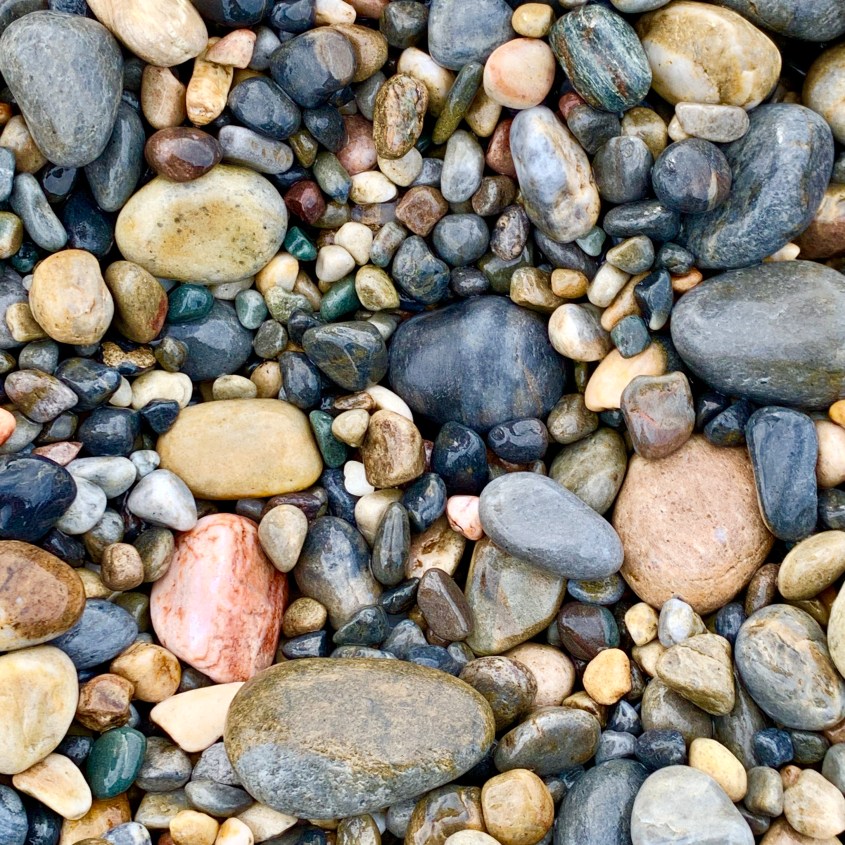
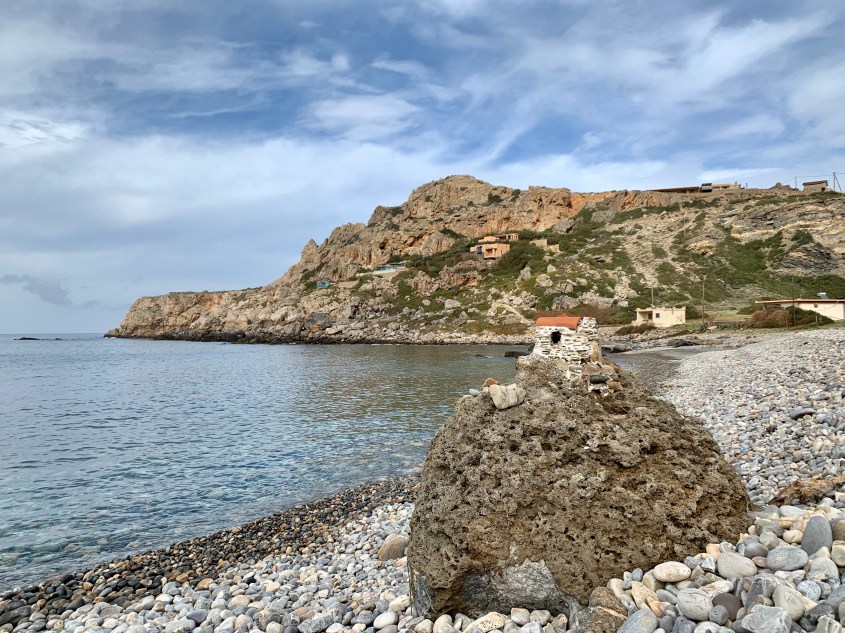
We drove a short way to nearby Keramoti Beach easily visible from Villa Irene. It’s a pebble beach, consisting of rocks ranging in size from sand to boulders. I thought of the rock tumbler I’d begged my parents to buy when I was twelve. Here I was standing on the biggest crop of polished quartz, marble, slate and other gems. A natural rainbow.
Rock rainbow at Keramoti Beach
#1 Toddler enjoyed the tactile experience of picking up and throwing the rocks into the water then watching for a splash. Many of hers fell short, but her dad staved off her disappointment by skipping rocks for a solid meter.
Skipping rocks on the beach at Keramoti
There was one Kandylaki on the shore at this beach. Atop a large boulder, I couldn’t see inside to appreciate its inspiration.
Seaside Kandylaki near Villa IreneSponge and seashells washed up on the shore
She loved throwing rocks a tad too much and ended up getting soaked. Amazingly she wasn’t cold or pouty given that it was only 60 degrees out.
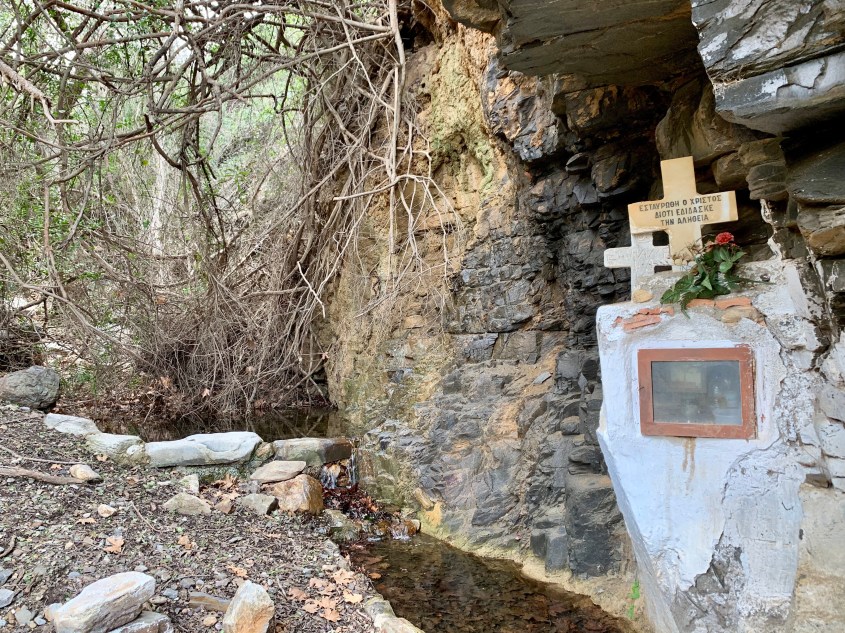
On the drive down to the beach, we spotted a small cave with a trickling stream. It was the cave that initially caught my attention and beckoned my camera, but as I approached, I realized there was a Kandylaki here in this special place.
Roadside cave with a stream and Kandylaki
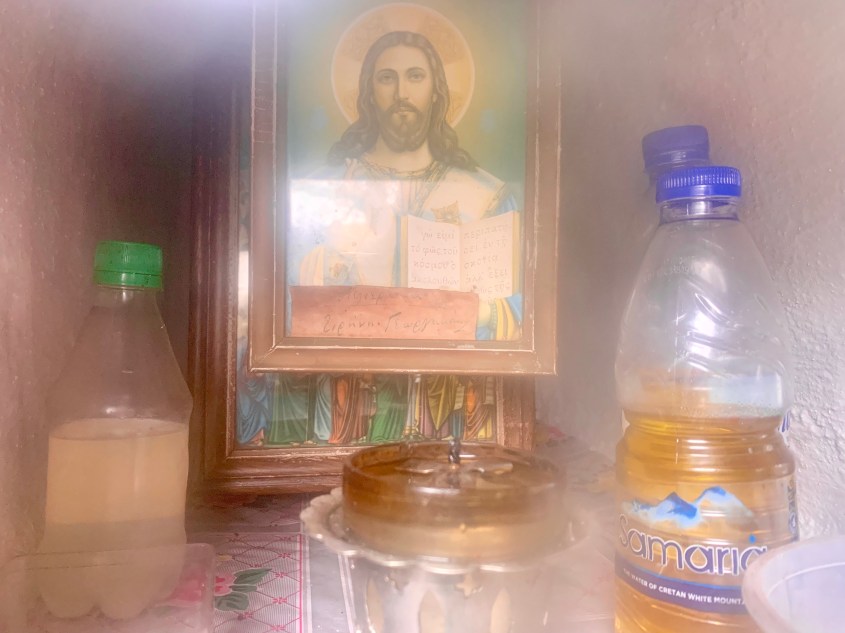
The glass is fogged, but you can still appreciate the wine and other offerings
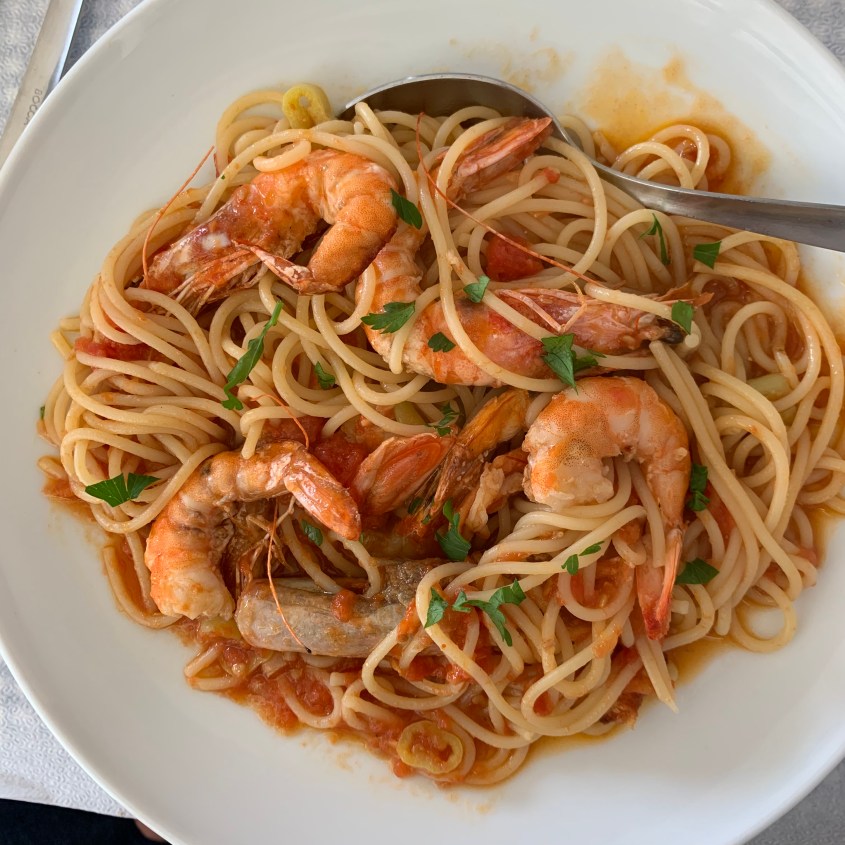
After the beach, we headed home for a change of clothes since some of us were soaked. We looked online briefly for an alternative lunch spot, but ultimately we returned to Kochilas since we’d had such an amazing meal there two days ago.
Goat cheese and tomato purée on toastShrimp spaghetti, simple and deliciousShe napped through the first half of lunch
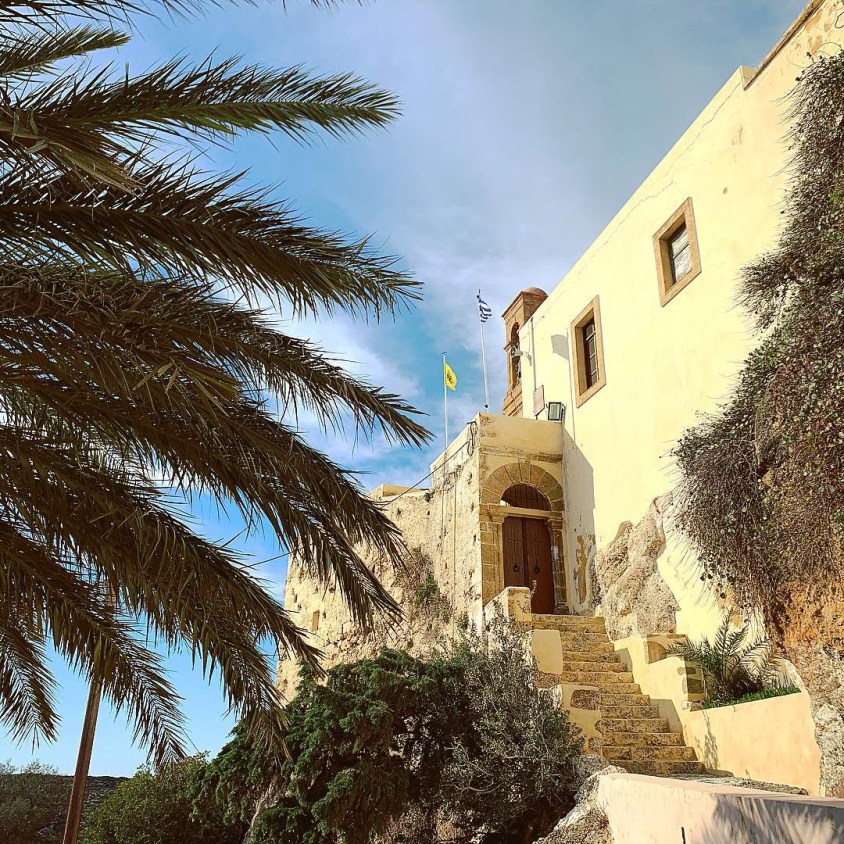
After lunch we hopped back in the car to explore the nearby Monastery. Unfortunately the interior closes from 1-5pm daily, so we were limited to the exterior tour.
Μονή Παναγίας ΧρυσοσκαλίτισσαςExterior of the monasteryI wish I knew what was behind that closed door
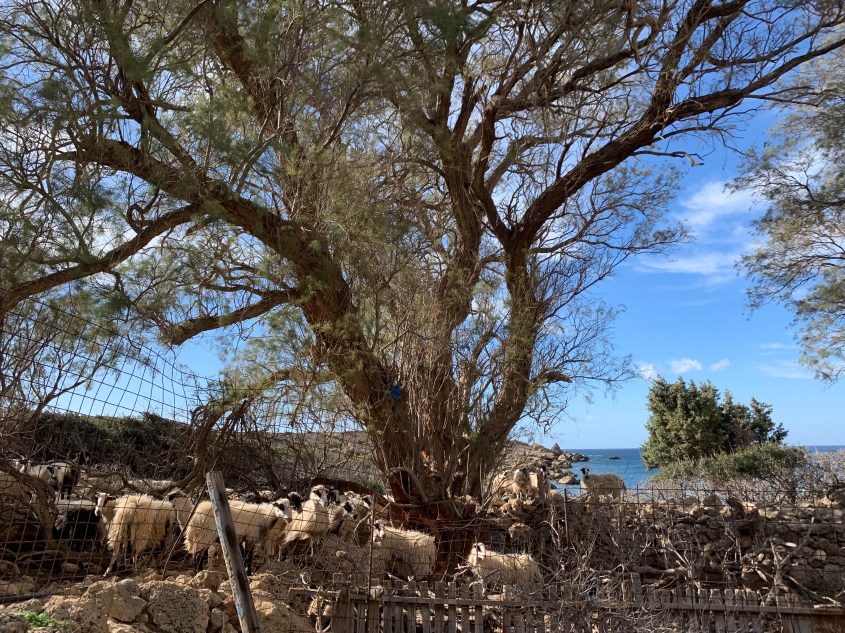
While the monastery being closed was certainly a disappointment, it did satisfy one desire for the day – to see more sheep or goats.
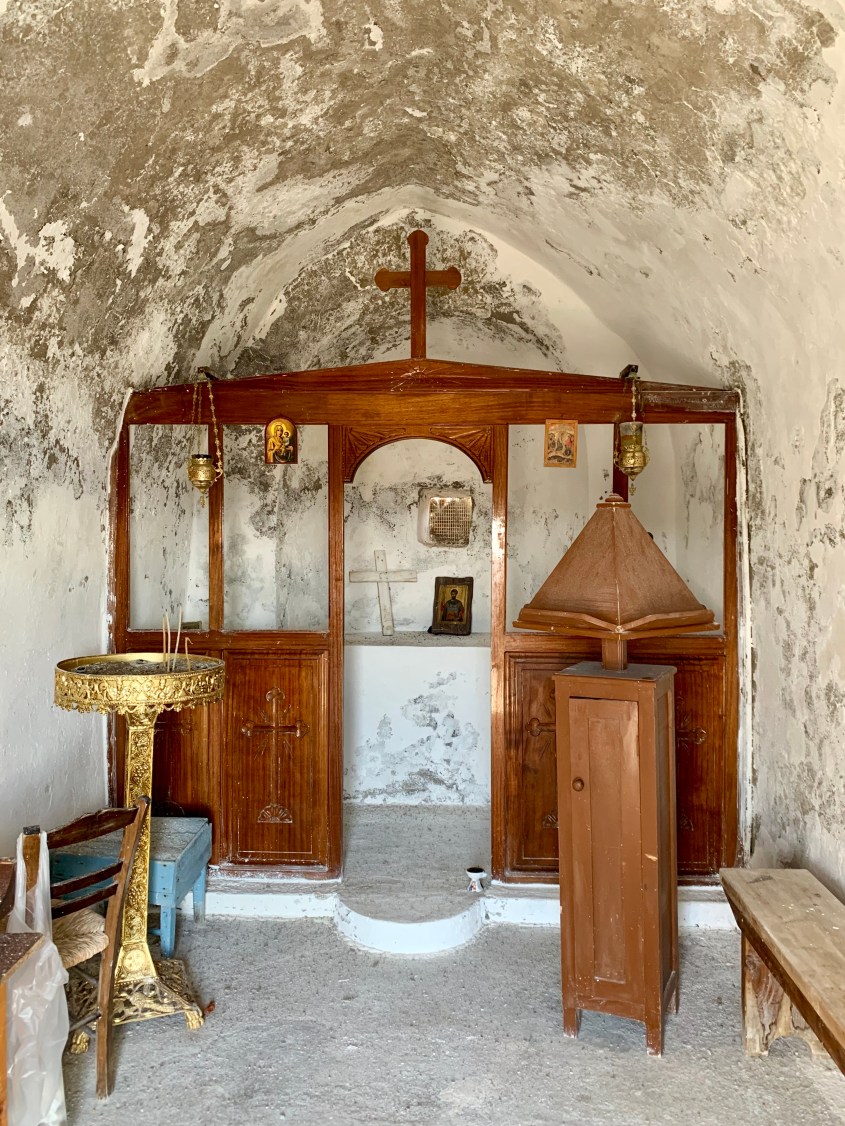
On the drive home, we stopped at the Church Agios Theodoros to take a closer look. We drove past it two days ago on our drive to Elafonissi Beach but didn’t stop.
Ageos TheodorosThe altar inside Ageos Theodoros
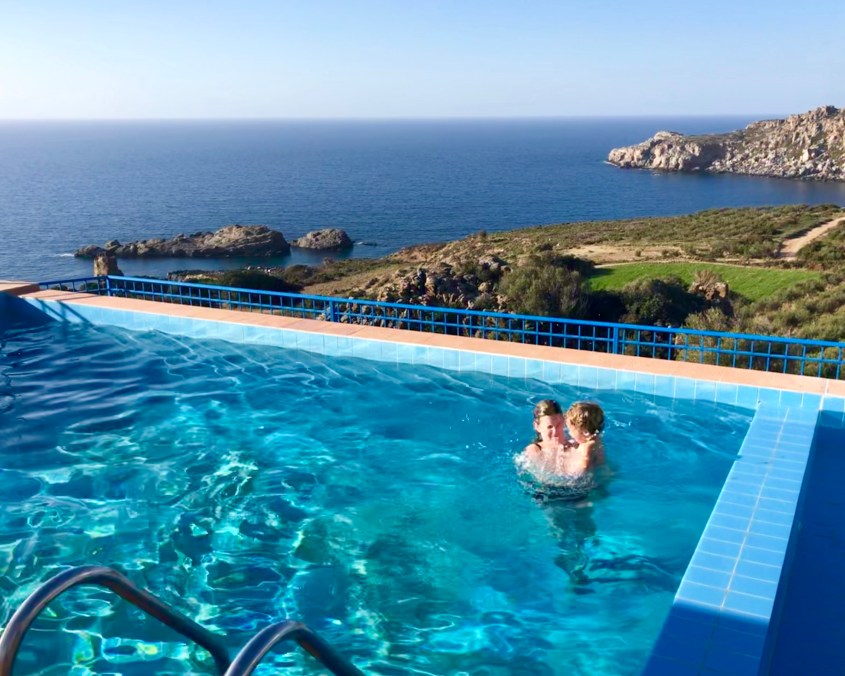
After returning home, I had the sudden urge to go swimming in our heated pool. Tomorrow’s forecast is for 100% chance of rain, so we may just enjoy the storm from inside the comfort of Villa Irene, or if the roads aren’t too bad, we might check out the Archaeology Museum in Kissamos.
Splashing in the heated pool at Villa IreneAnother Kandylaki from today’s travels
This morning we awoke to #1 toddler attempting to catapult out of her crib. She still sleeps in a baby crib at home since she seems perfectly happy there. I’m thinking it’s about time to pull the toddler conversion kit down from the attic when we get home.
Amir did some research last night and selected today’s destination. Paleochora, a seaside town featuring Salino Kastelo (Castle Salino), was just a 1.5 hour drive from Villa Irene in Livadia. The only catch, zigzagging the roads that traverse the many mountains in between.
Yes we went up that and then back down
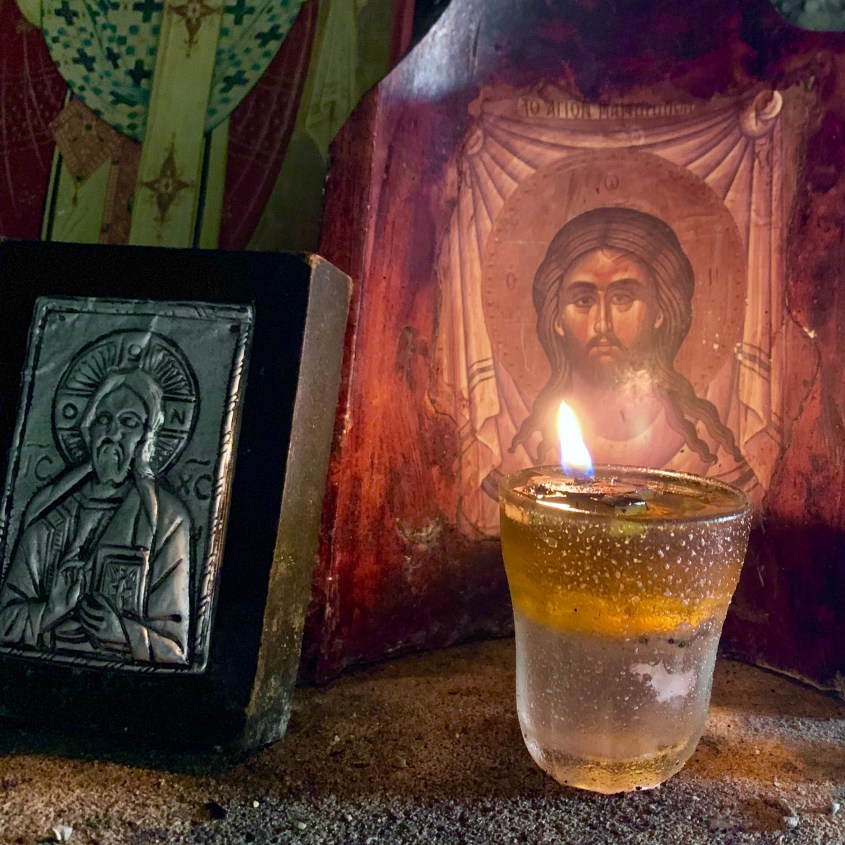
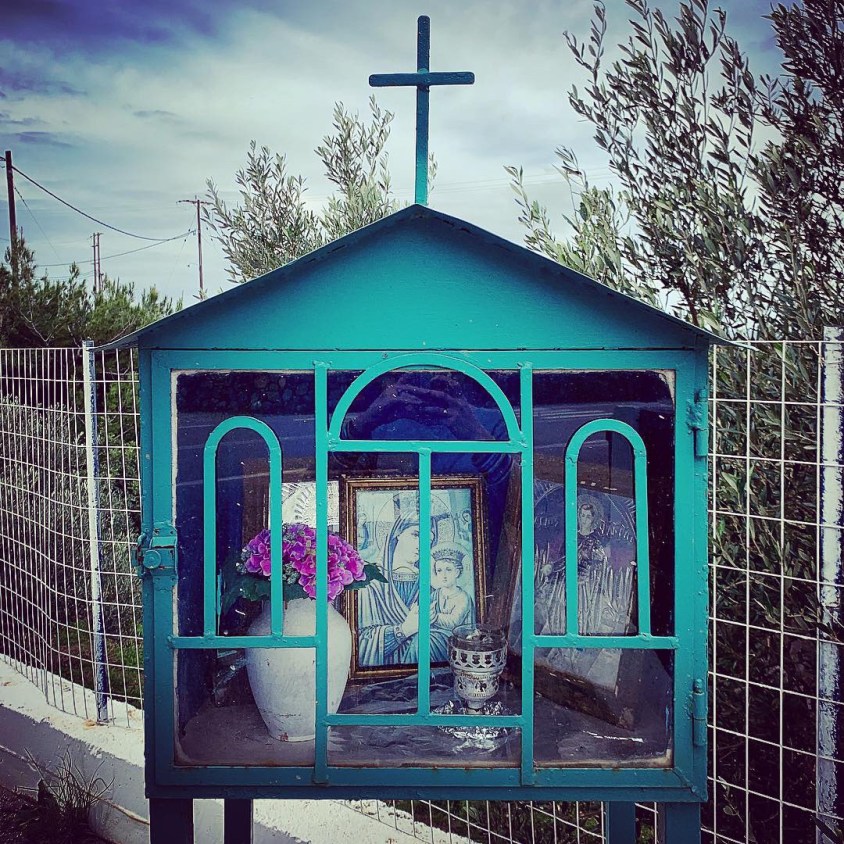
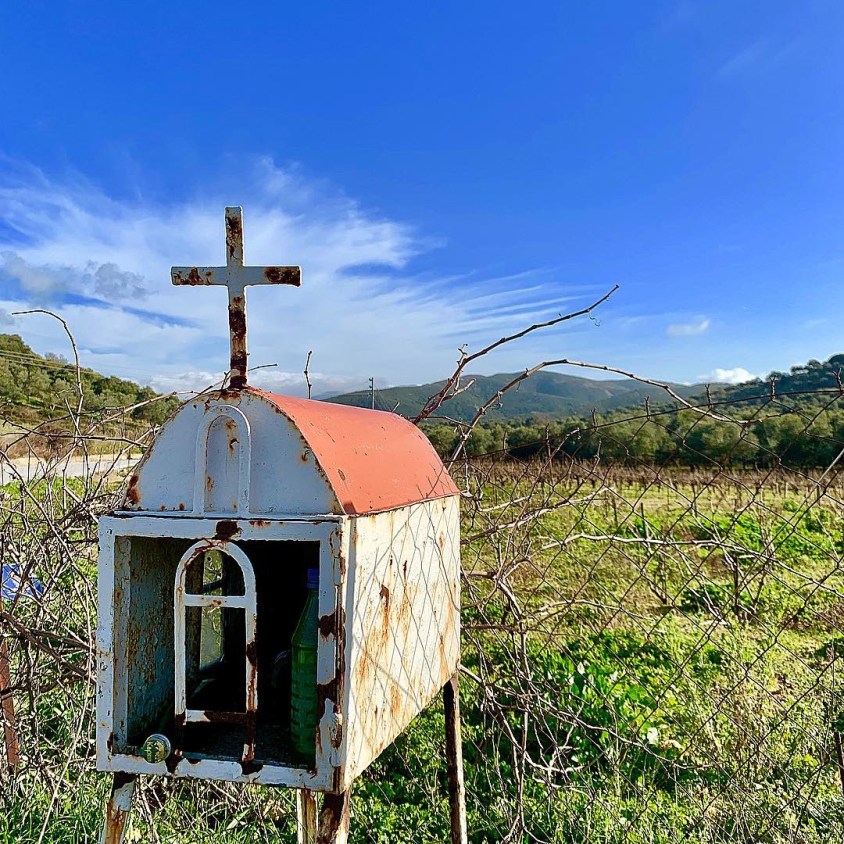
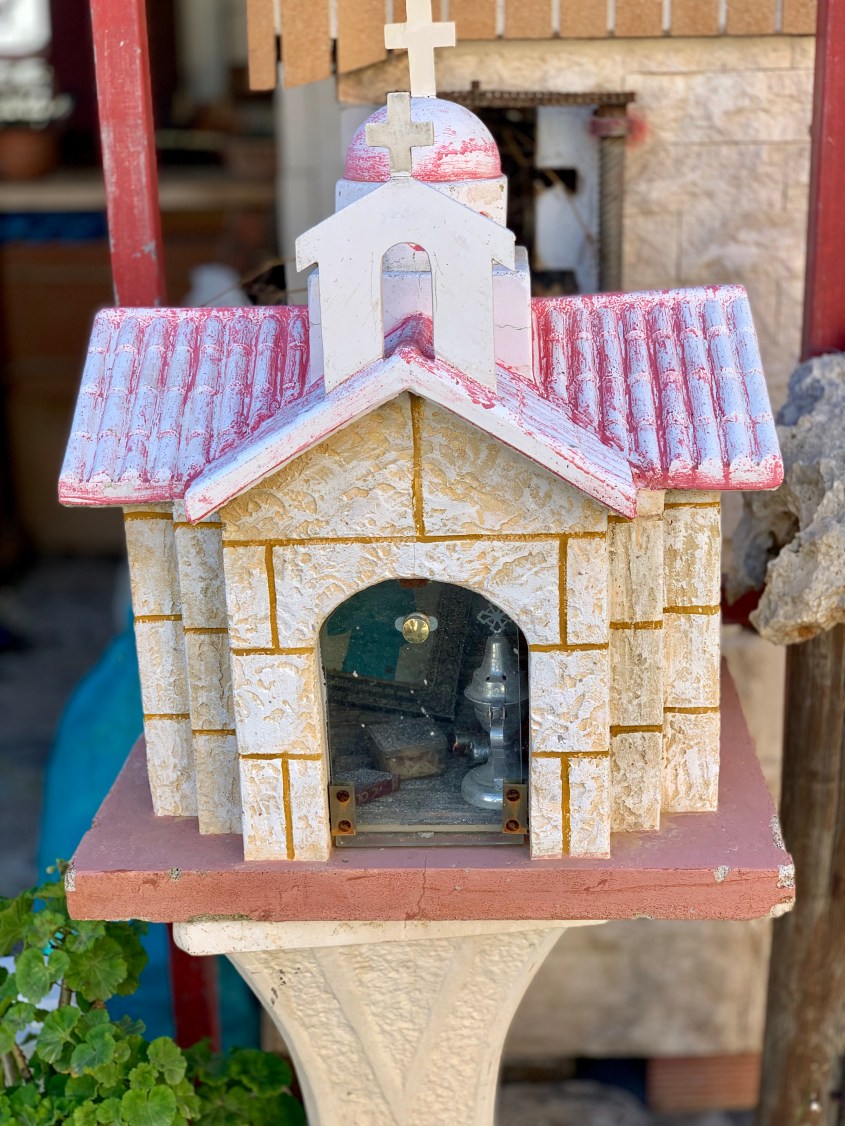
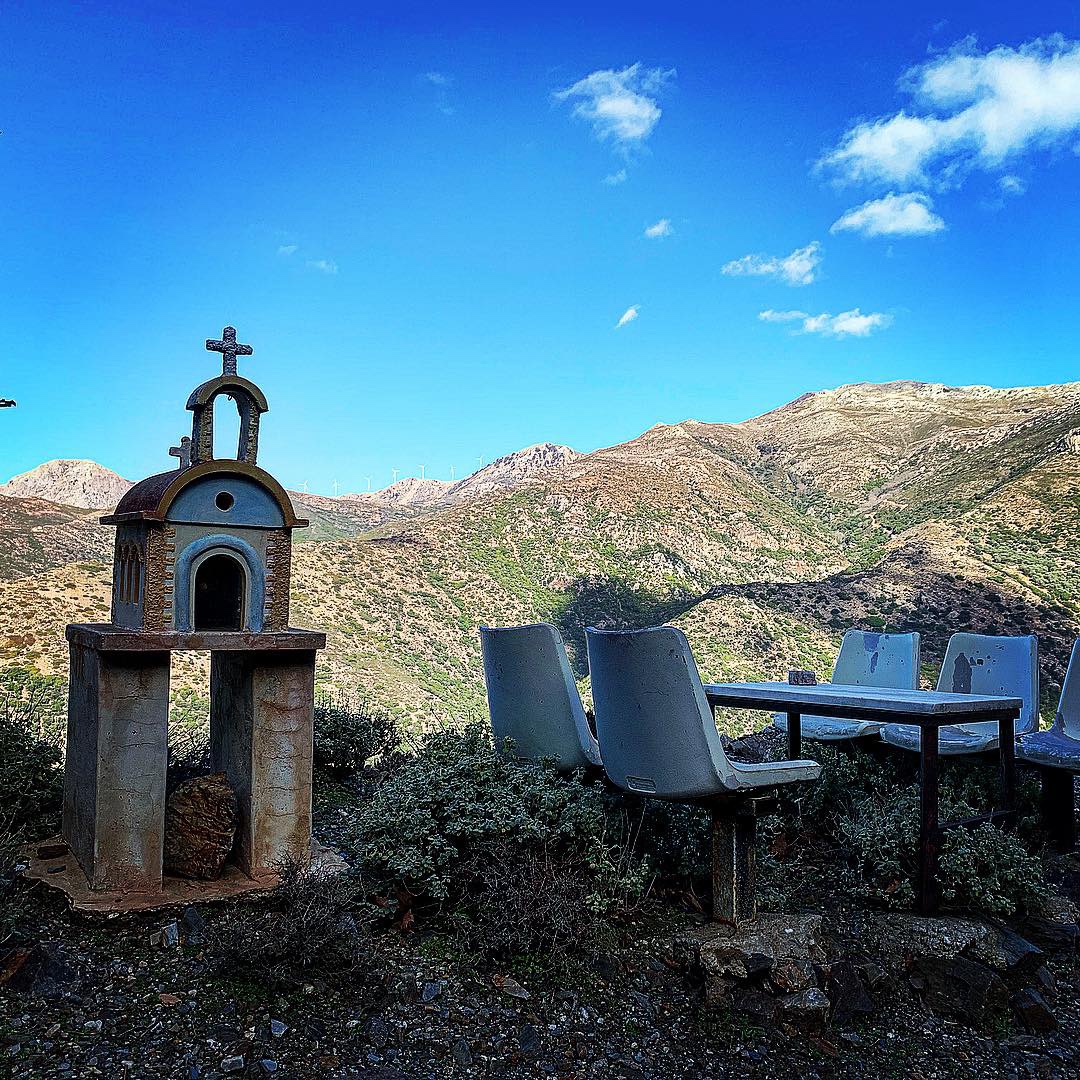
As we’ve been driving these narrow roads in Crete, I’ve noticed all these little roadside shrines, which I now know are called Kandylakia. Most are small shrines dedicated to different saints that serve as street signs to denote that an Greek Orthodox Church is close by, as most are not visible from the road. There are also no street names, so these little landmarks are helpful signposts.
Kandylaki dedicated to a loved oneNeglected Kandylaki filled with trash
A Google search also incorrectly stated that most are dedicated to lost loved ones, but this is just a false assumption by tourists. There are certainly some that serve this purpose, but most are signposts for larger churches.
Kandylaki with brass chalices and a photographKandylaki outside a caféThis Kandylaki has solar-powered lights inside
Contents of the solar-powered Kandylaki
We reached Paleochora (Pah-leh-oh-hor-ah) with little difficulty. We parked easily, strapped #1 toddler into the Baby Boba, and climbed a trail of stairs to reach the top of Salino Kastelo.
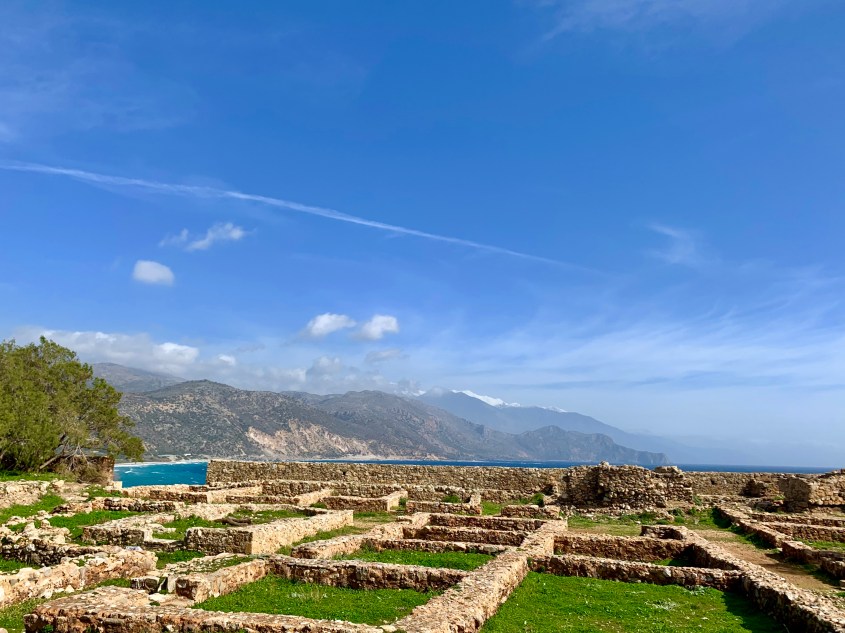
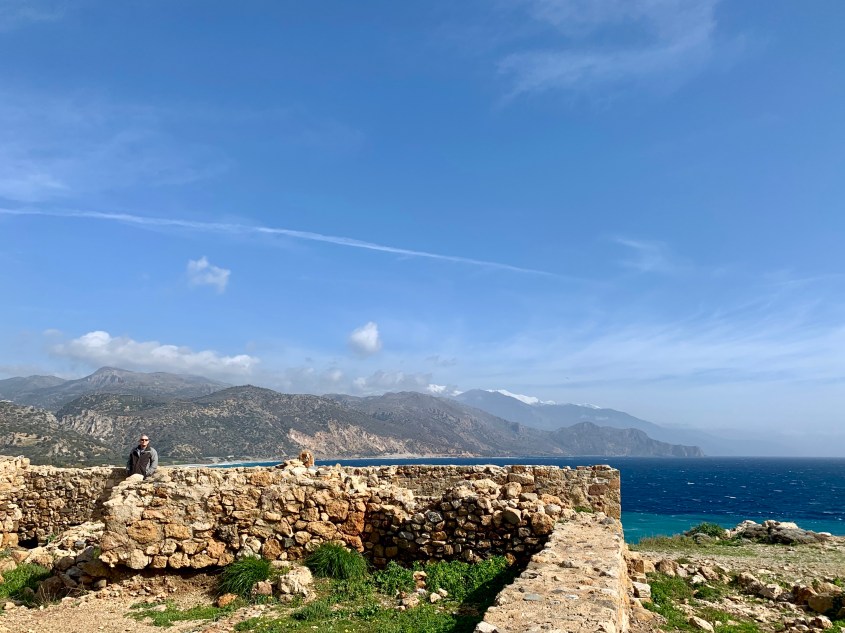
There wasn’t any signage to guide you through Salino Kastelo, so we weren’t quite sure what was what when we were there. After reading at home, the castle was destroyed and rebuilt multiple times since 1257 AD, which explains why it seemed to be composed of every natural material imaginable. Marble, granite, limestone, gravel, terra cotta – it’s all there.
It’s worth a trip for the views alone, but I recommend reading up on its history before you go.
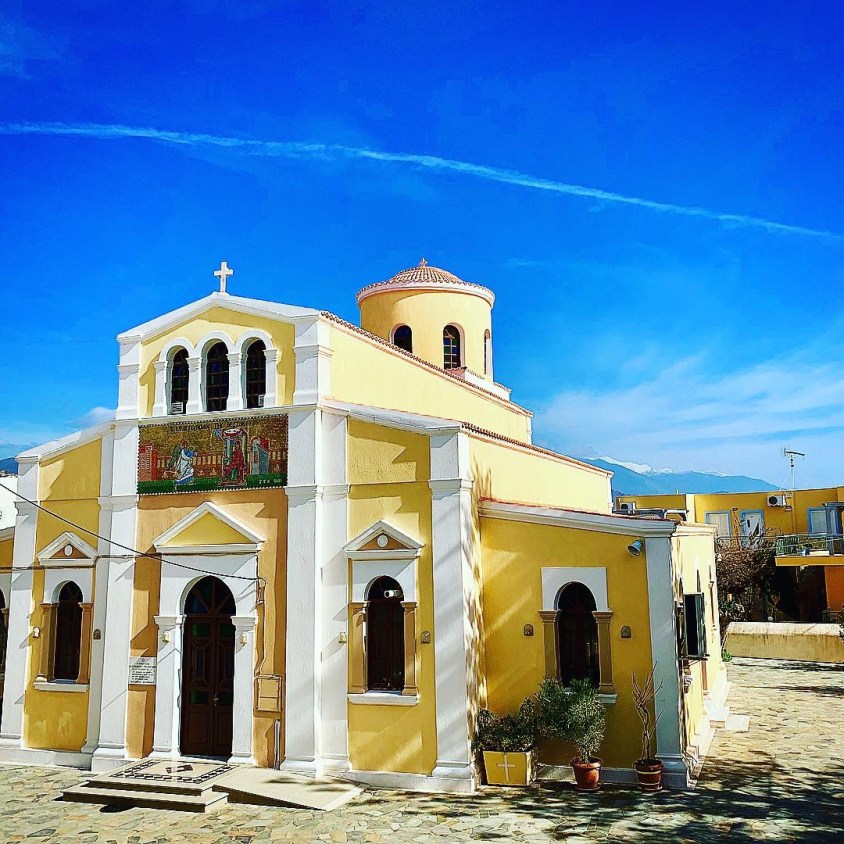
Evangelistria Greek Orthodox Church in PaleochoroMosaic stepping stones outside Evangelistria ChurchBell tower of Evangelistria Church
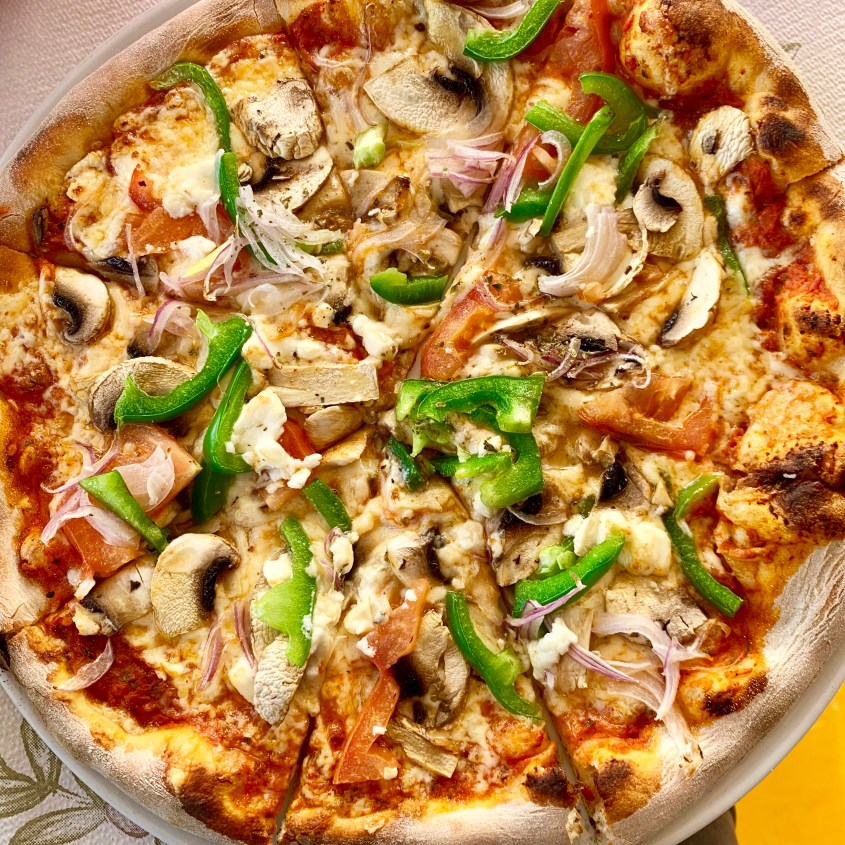
There’s a vast selection of seaside taverns and cafes in Paleochora. We opted for Olympus Pizzeria for a change of pace, plus we knew pizza would satisfy everyone.
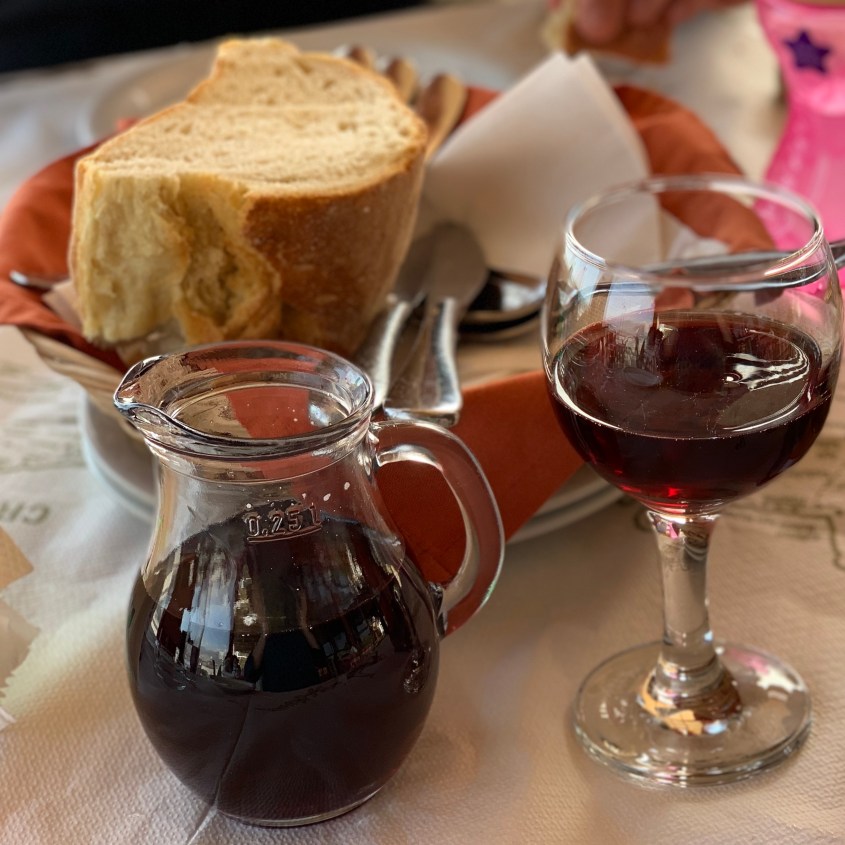
Olympus Pizzeria, Paleochora, CreteChef PizzaRed house table wine by the glass“Meatballs” and potatoes served with Roquefort and mushroom sauce
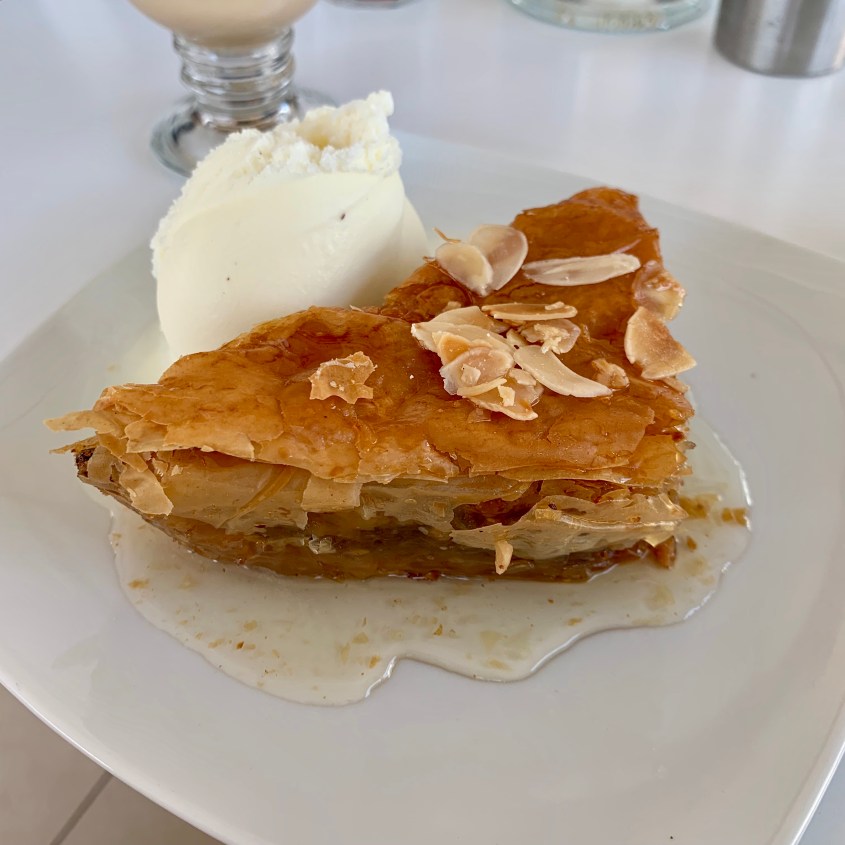
After pizza, as if we weren’t stuffed, we headed to a nearby family café for dessert. Baklava and vanilla gelato called our names, along with a cappuccino for me and a latte for Amir.
Baklava with vanilla gelato
After the drive home from Paleochora, somehow we were all there filled with energy. Mind you at this same time yesterday my co-travelers were both taking 3 hour naps.
We opted for a brief walk from our house towards the sea. The first night we arrived, there were goats grazing throughout this area. Yesterday they had completely vanished, but today they returned. We went for a visit.
Sleeping in the Boba
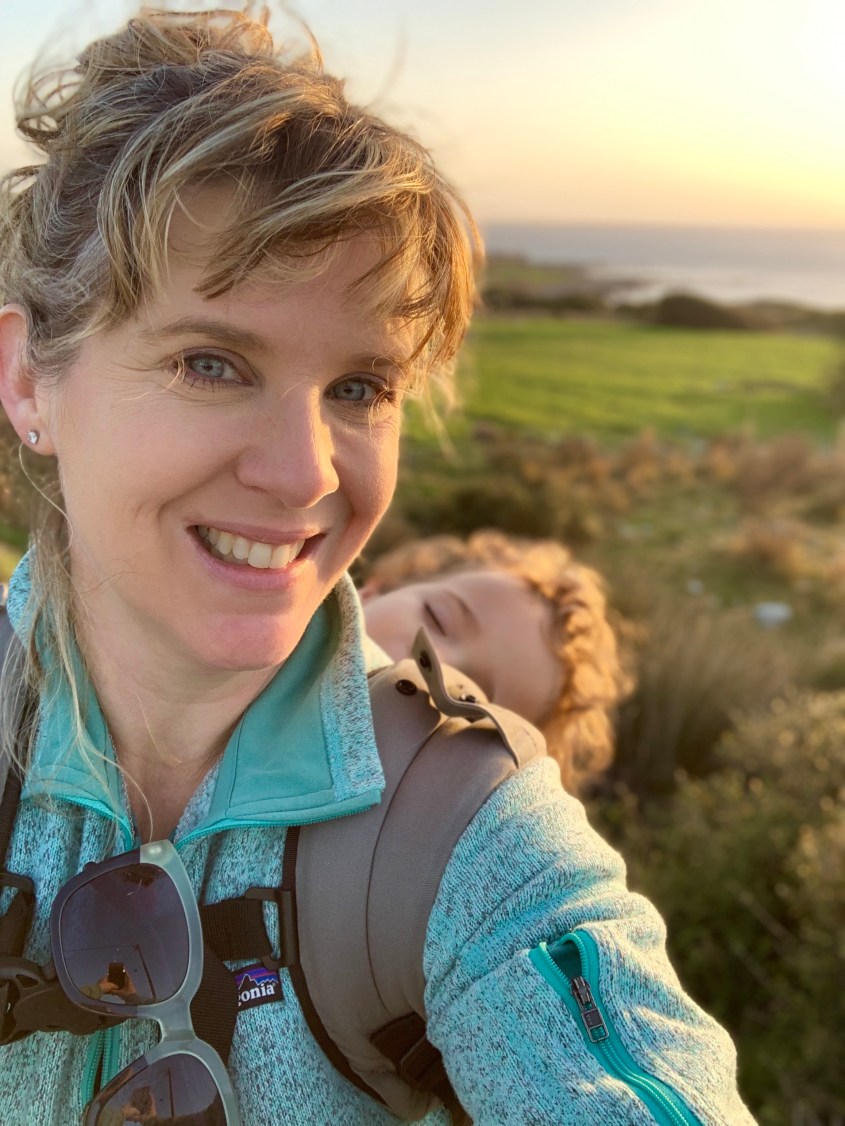
Before we made it 20 feet, #1 Toddler was fast asleep in the Boba carrier. She didn’t miss any great encounters with goats or sheep. We could see them in the distance and hear their bells, but with the sun silhouetting them, there wasn’t much to see or photograph.
Chapel St. Anthony visible in the lower right
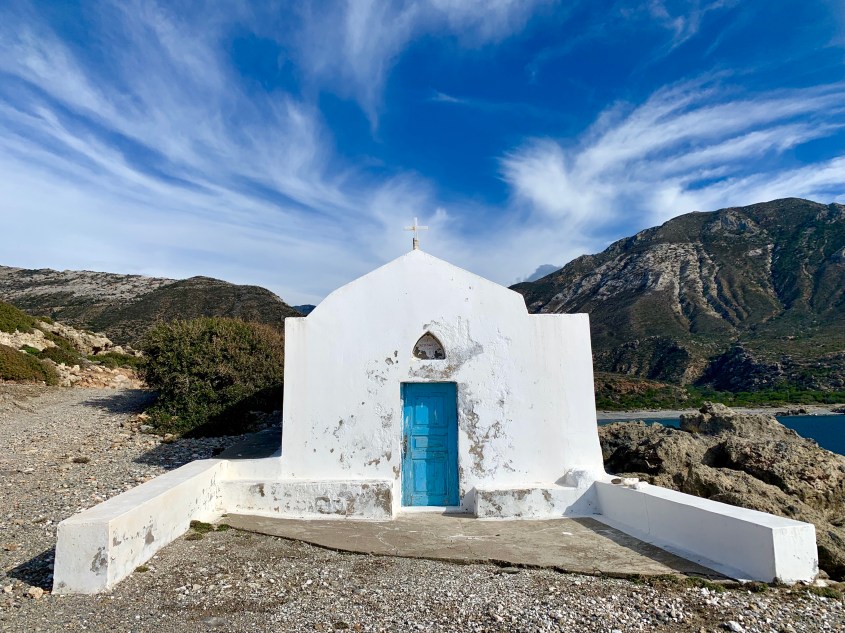
While we didn’t find many goats, we did find a hidden gem carved into the seaside cliffs, St Anthony Chapel. Unfortunately we weren’t able to get closer to it, not for a lack of desire, but because we are not rock climbers. There’s no clear path. I’m still desperately wondering what’s inside. A Google Maps search did provide a close up photo from a much more adventurous traveler than I.
Chapel St. Anthony near Villa Irene in LivadiaOlive groves everywhereSeaside olive groves
We made it home in time to watch the sunset from our Villa while enjoying a glass of local red wine. We still need to plan tomorrow. So I’m off to search Google Maps via satellite view to see what hidden places we can explore.
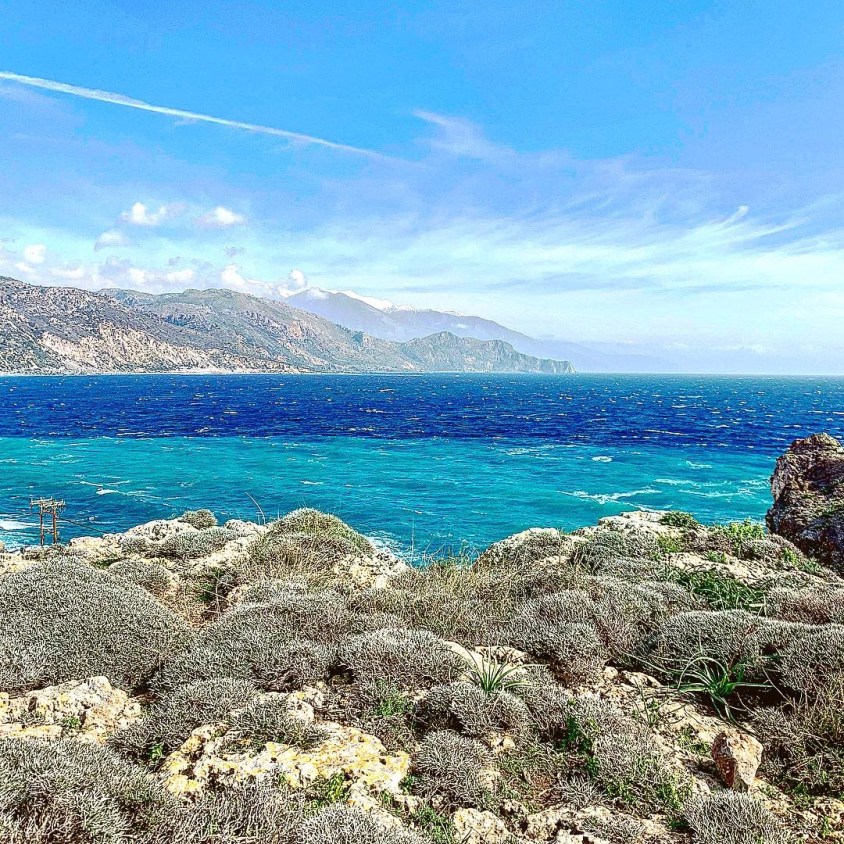
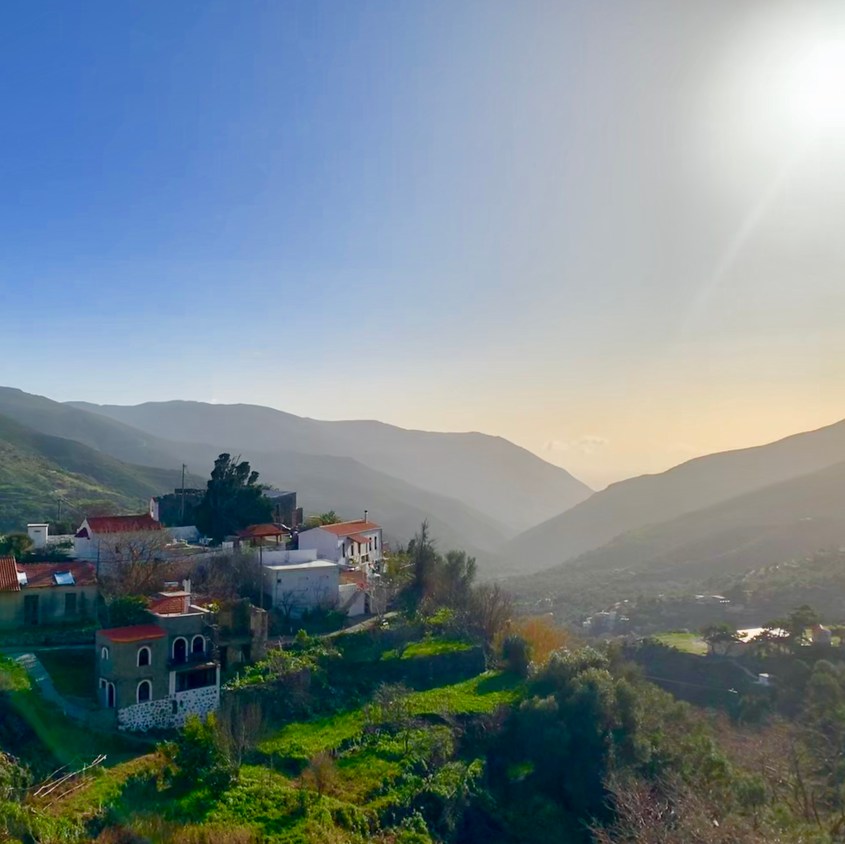
Local red wine is like a light portSnow capped mountains are visible from Kastelo SalinoVillage along the way
This morning we awoke around 8am and slowly started our day. We’d stopped at a small market yesterday on our drive here to get some essentials for the house. As I mentioned, Villa Irene is beautiful but remote, with only a few restaurants nearby that are open since it’s off-season.
Our only alarm clocks were the sunrise and #1 toddler
We spent a bit more time this morning playing in the swing set while Amir planned navigation for our drive to Elafonissi Beach. We’ve learned to take screenshots of Google Maps and save them to your smart phone to ensure you have a map even without internet or cellular service.
Along the way we met some sheep. #1 Toddler was happy to place the “bahhhh” sound with the real thing.
Seaside chapel
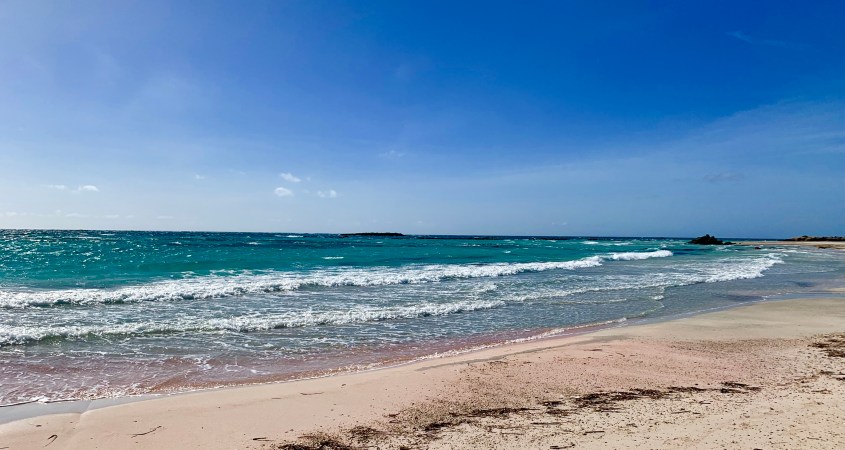
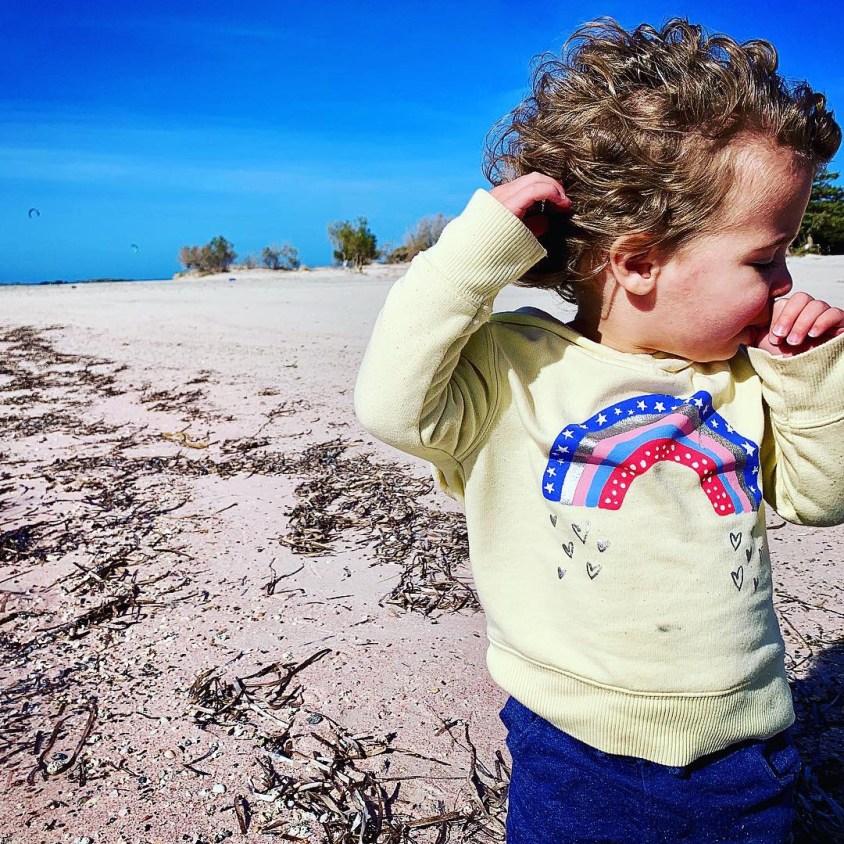
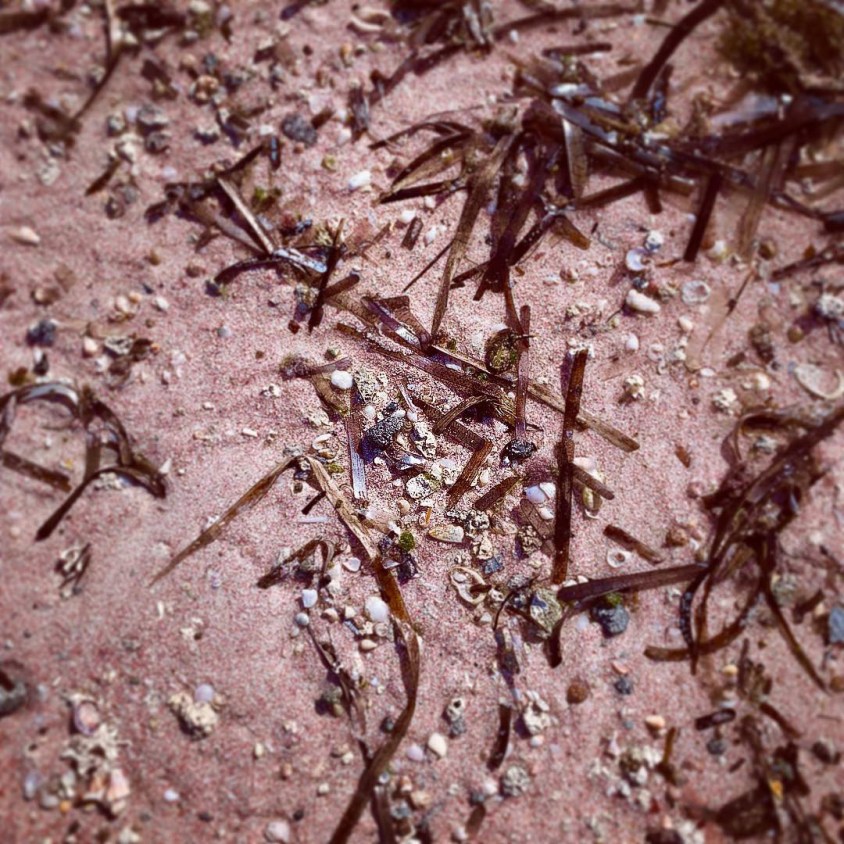
Elafonissi Beach is world famous, a usual player on those infamous Top Beaches in the World lists. Its pink sand and crystal clear water are unique. In the summer it’s quite crowded, but today it was just us and the kite surfers.
The beach was warm but super windy. I can’t imagine it’s this windy year round or you’d never be able to keep your beach blanket in one place.
After watching the kite surfers do some flips, we walked the beach and collected a few shells. The wind was getting the best of us and threatening to knock over #1 Toddler, so we decided to wrap up. We took a last survey of our private beach and headed to the car in search of lunch.
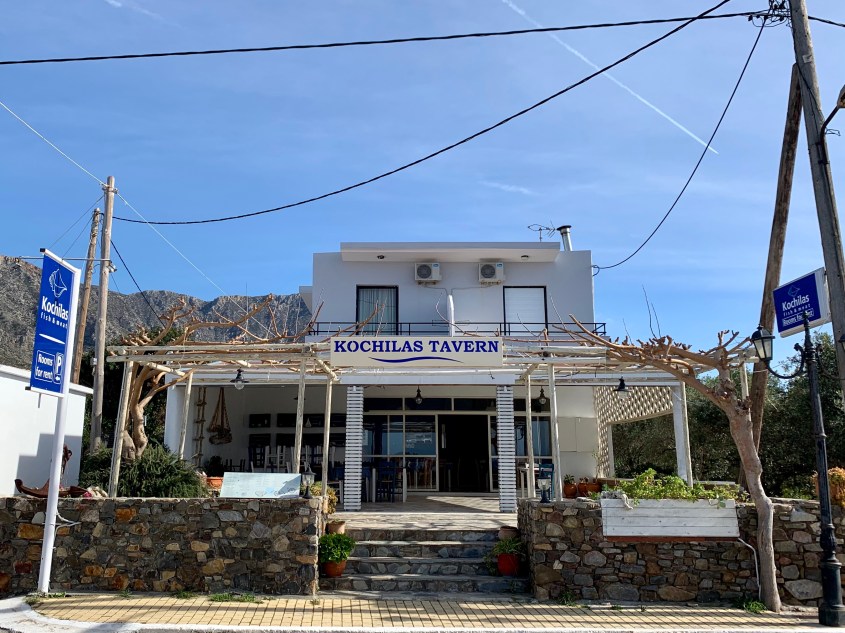
Kochilas Tavern near Elafonissi Beach
Our AirBnB hostess, Maria, gave us lunch recommendations. We opted for Kochilas Tavern due to its proximity to Elafonissi and robust menu of fresh seafood.
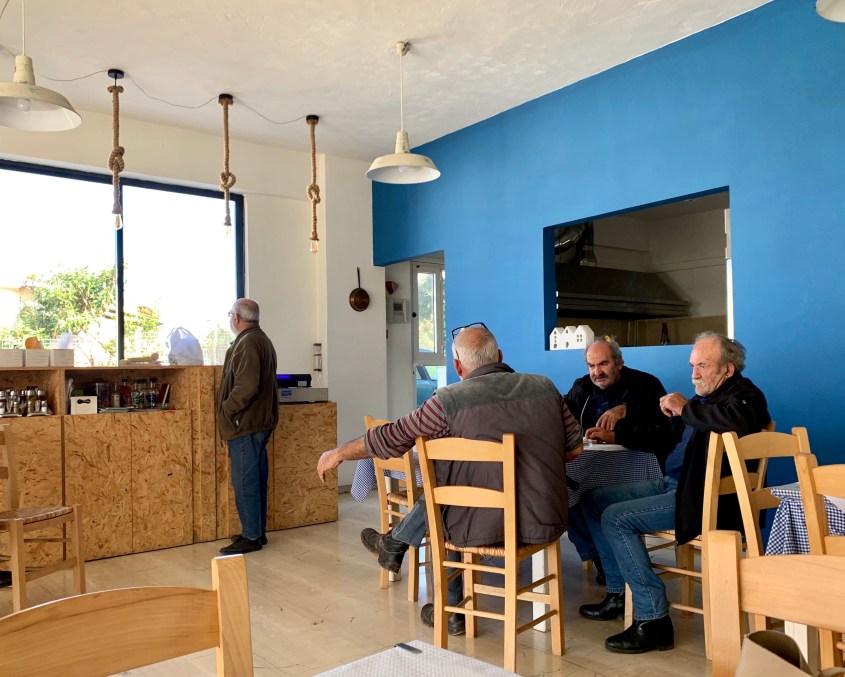
Elderly Greek men sit and enjoy drinks and conversation
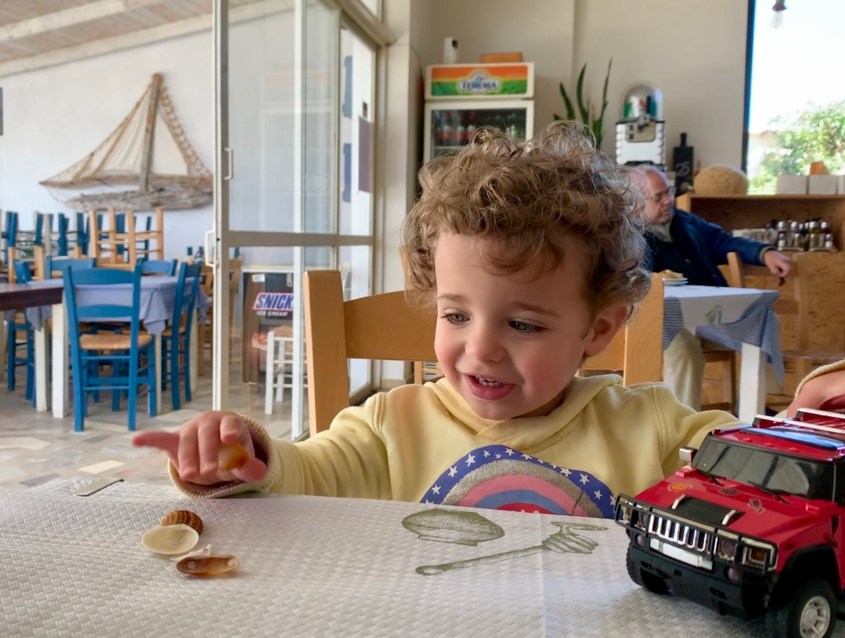
We picked a table near the window. There’s a lovely patio open during the high season. The waitress greeted us and was immediately smitten with #1 Toddler. She brought her a toy truck and a high chair. Everywhere we’ve gone, the people have been so welcoming to a toddler. We’ve not once felt put out, even when she’s spilled or dropped things.
Monster truck and seashells, the perfect toy combination
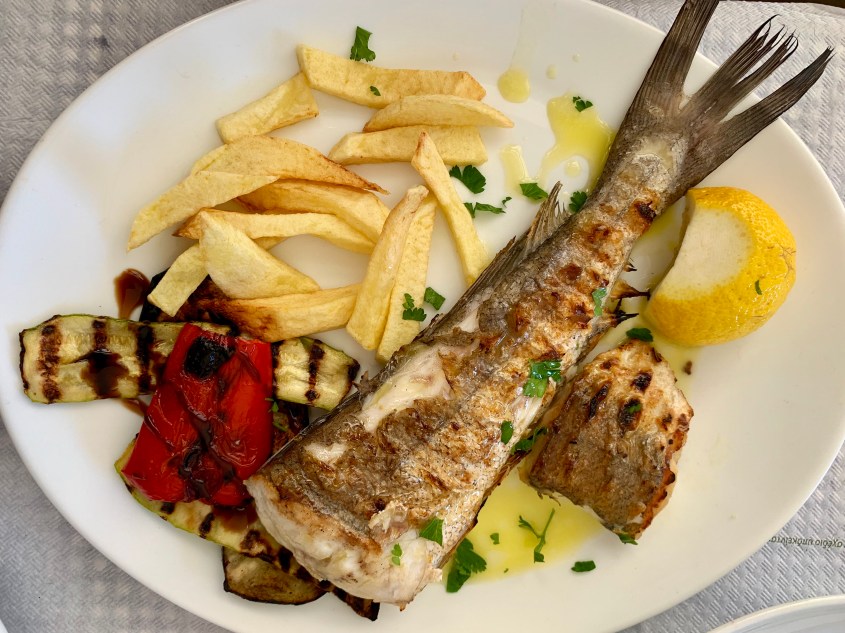
Amir and I always like to divide and conquer a menu. He selected the fresh fish, while I opted for the grilled octopus. We knew chicken souvlaki would be a hit with you know who. We went 3 for 3. Winning.
Grilled local fish, vegetables and hand cut friesGrilled octopus, vegetables and hand cut fries
To drink, I ordered a Fix beer and Amir a Greek soda called Gazoza – think Sprite meets bubblegum flavor.
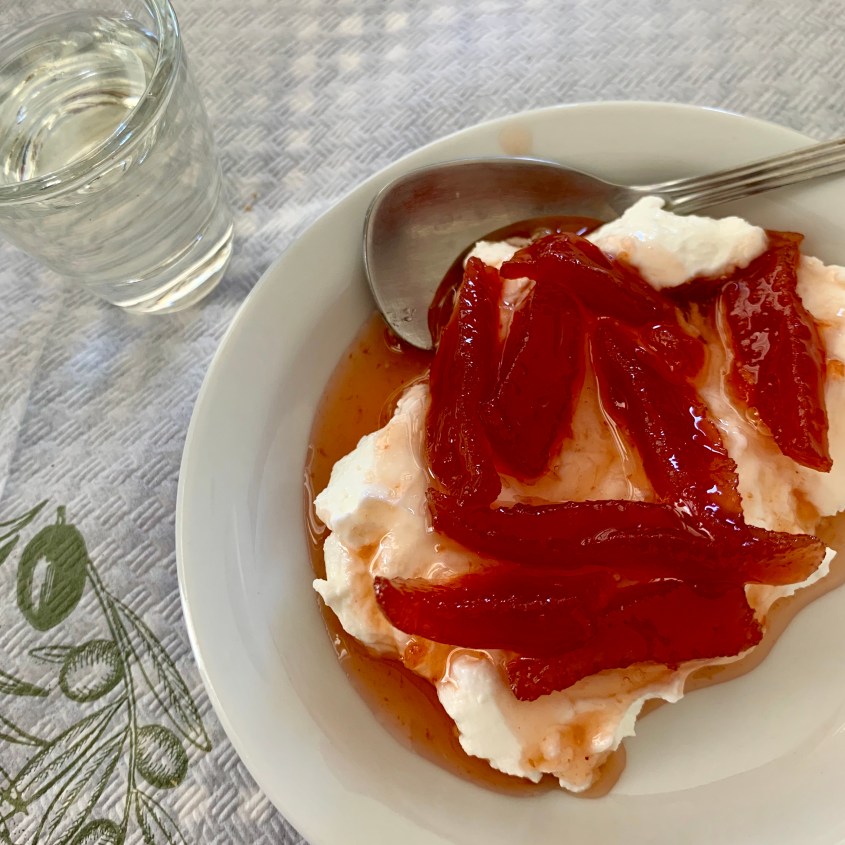
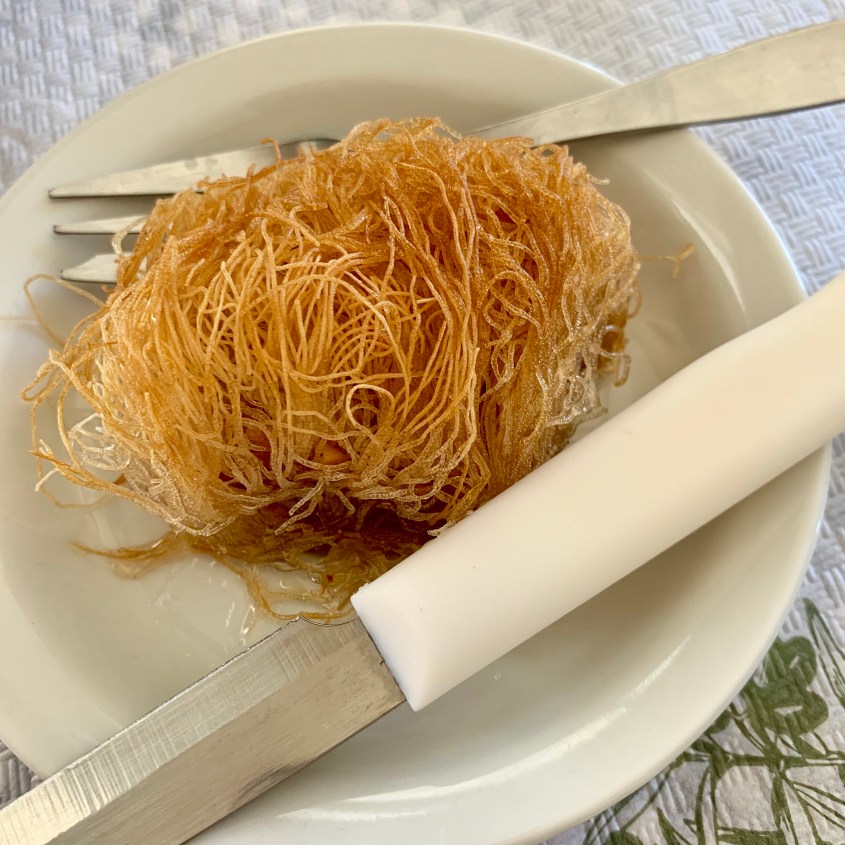
We ate everything on our plates, but I was craving just a little something sweet. We asked our waitress (who by the way turns out to also be the chef and owner) about dessert. She mentioned something about yogurt and glaze, and returned 5 minutes later with 3 plates – Greek yogurt with sour orange topping and Kataïfi, a straw-like filo pasty with walnuts, honey and spices. Oh, and two shots of raki. This woman was my new best friend.
Raki and Greek yogurt with fruit toppingKataïfi
We settled up and headed back to Villa Irene. The drive back was beautiful but uneventful. My two other travelers both took 3 hour naps while I caught up and wrote yesterday’s post. We had planned to take an afternoon walk to explore the area right around Villa Irene, but the day got ahead of us, and the sun was soon setting.
I skipped writing yesterday because my eyes were closing as I tried to type last night. Yesterday was also a travel day, which is a guarantee for exhaustion, even when traveling without a toddler. And of course, WordPress has opted to change its entire editing process mid-trip. Hurray! Forgive any misalignment – I hope you know me better.
We packed lightly with plans to wash everything for part two of our trip
We flew from Athens on a short flight to Chania airport in Crete. The service on the flight was impeccable. While only a 50 minute flight, we were on a large plane with plenty of leg room and served not only a beverage but also cookies and mints. Aegean and Olympic Airlines have a special check-in lines for families (no wait), and bump you to the head of airport security screening. What’s usually our most stressful part of travel was a breeze.
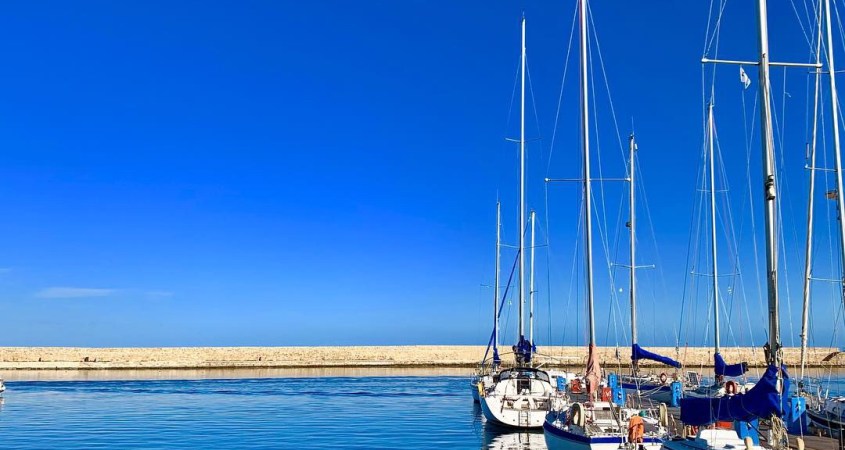
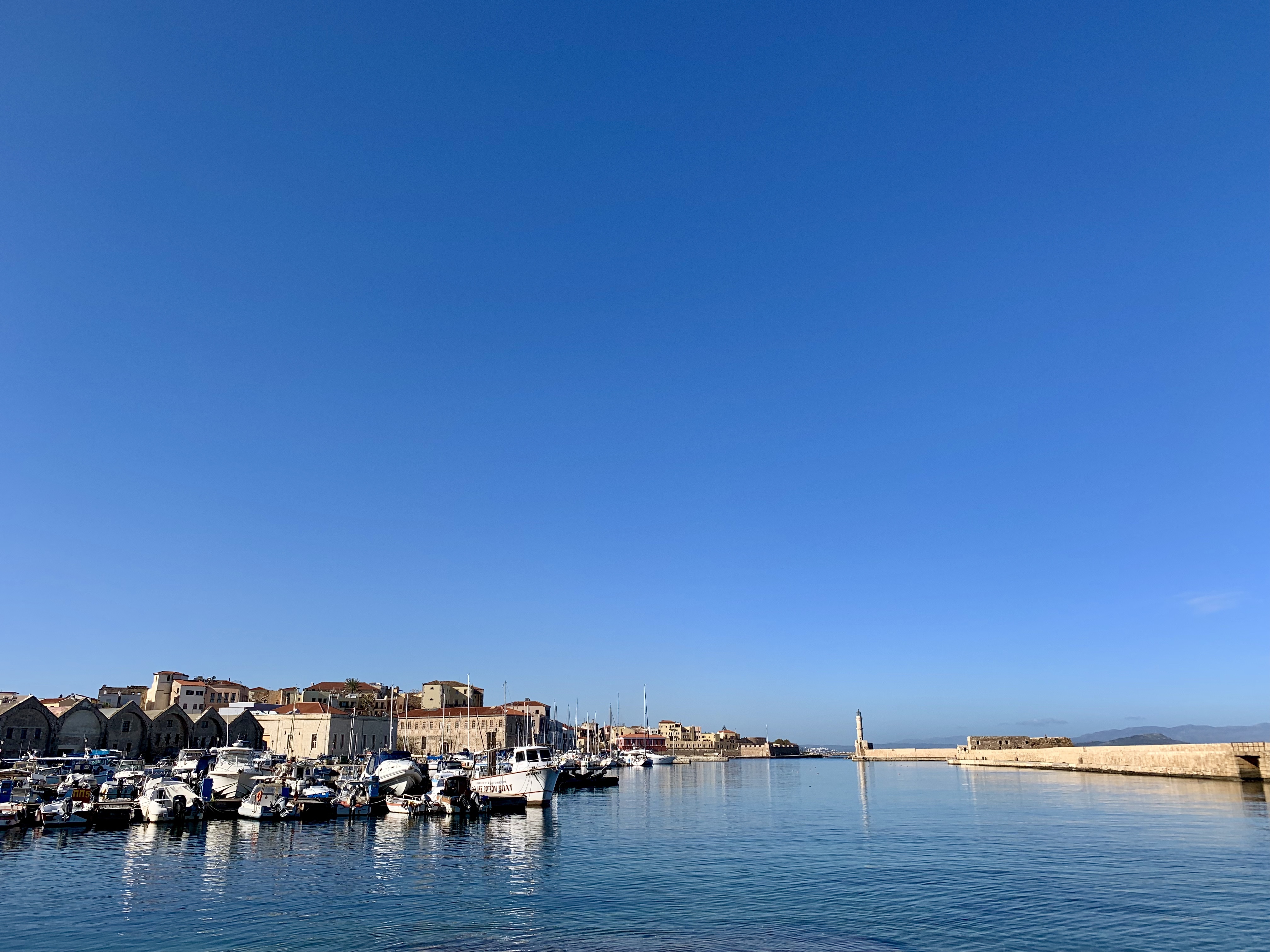
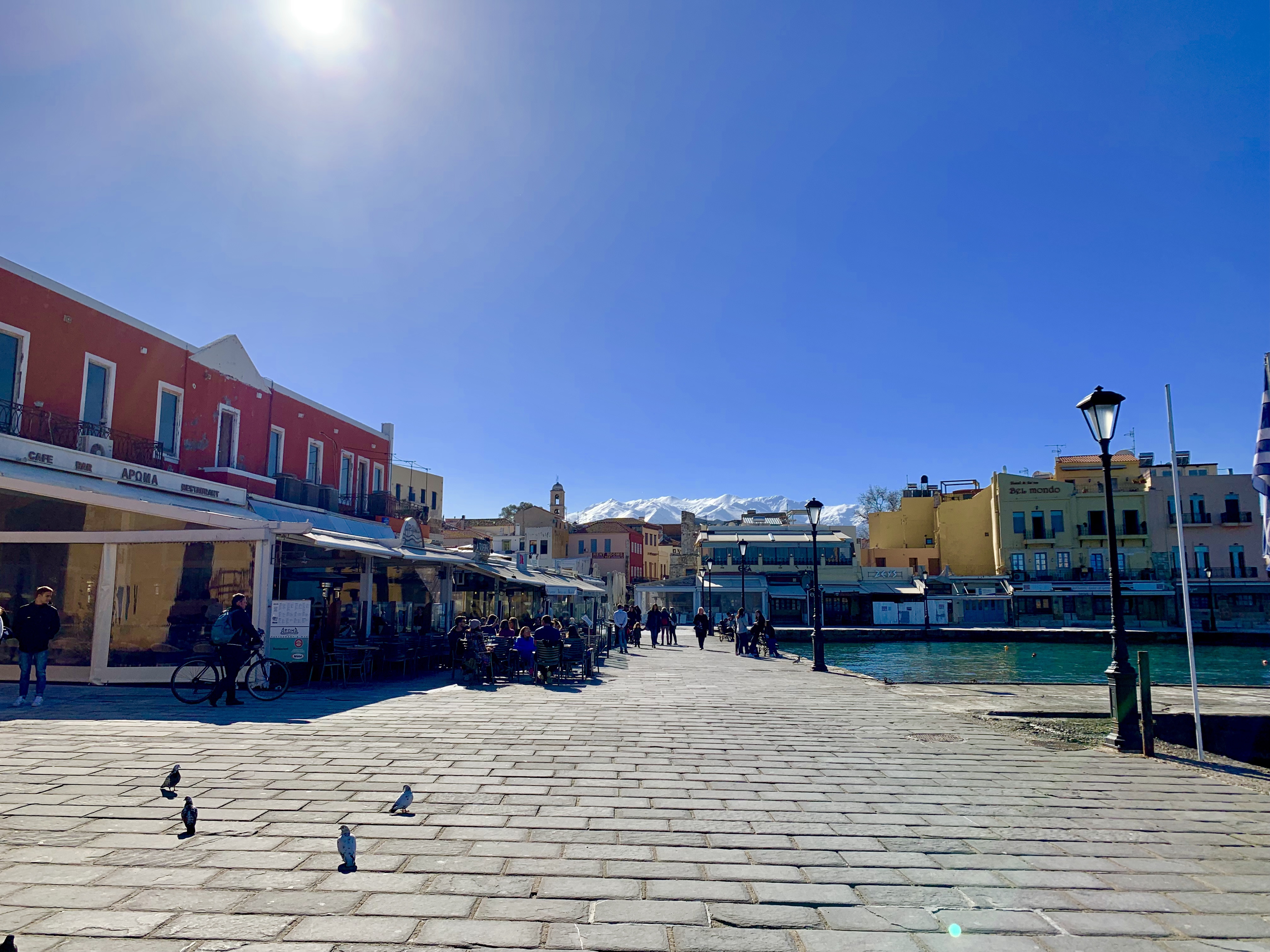
Porto Veneziano, Chania, Crete
Porto Veneziano, Chania, Crete
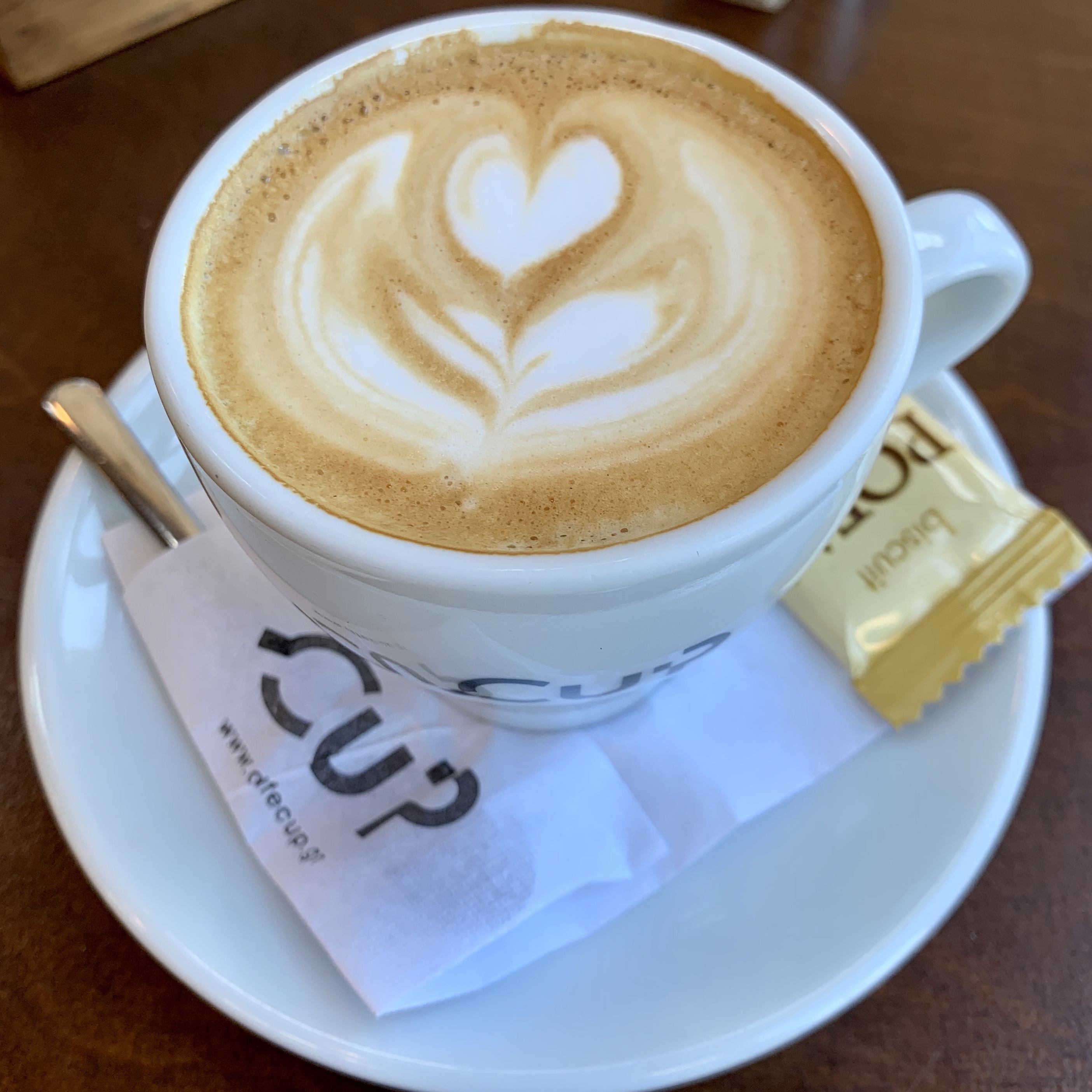
Our first stop in Chania was to see the Porto Veneziano (Venetian Port) where there are 17 dry docks dating back to 1597 when the Venetians occupied this part of Crete. Three of the original docks have been renovated and converted into a museum and cafe. We stopped to enjoy a cappuchino to offset our early start to the morning. They even made a steamed milk just for our daughter, which of course she spilled all over the stone floor.
Three of the dry docks were converted to a museum and cafe
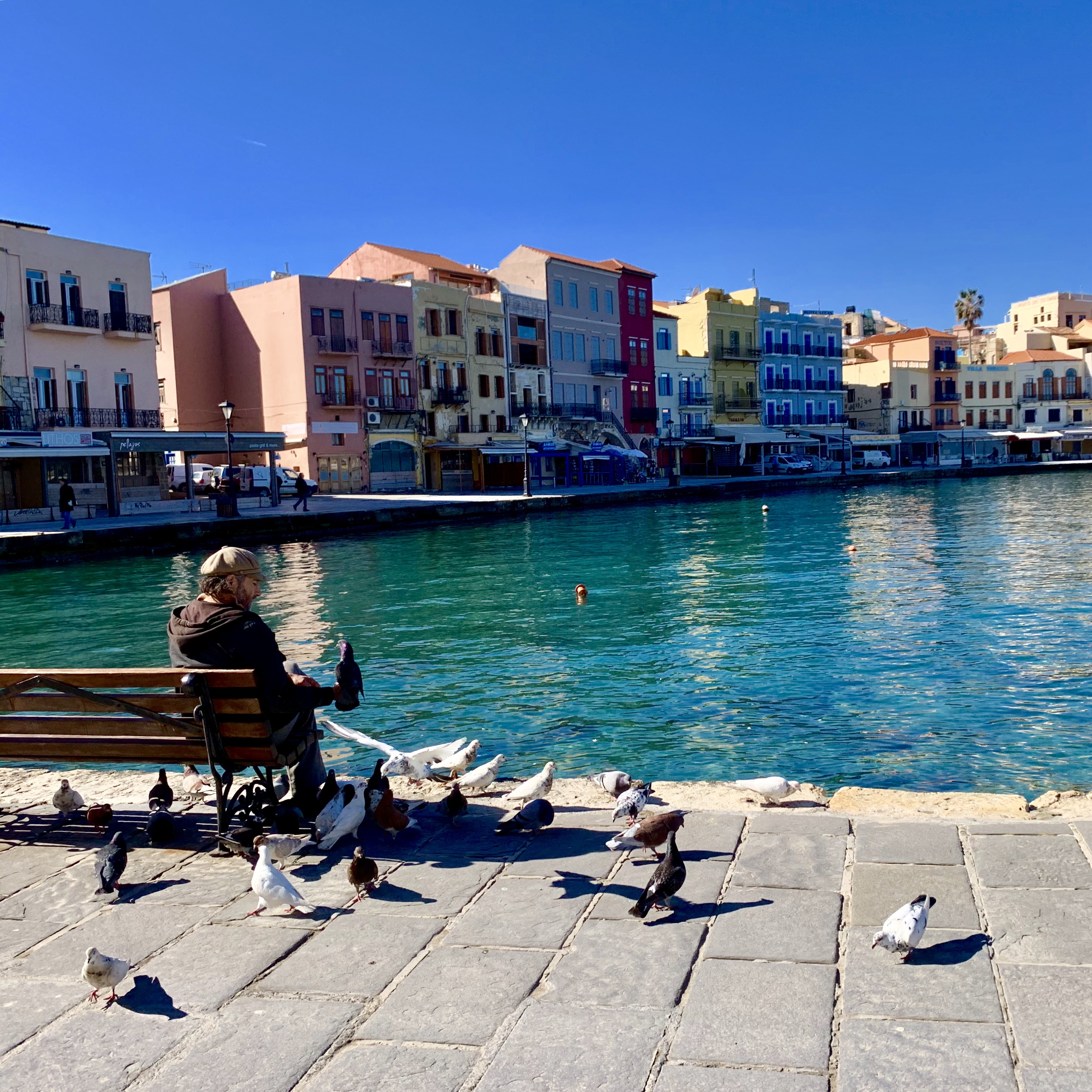
After our coffee, we went for a leisurely walk along the harbor with the goal of finding a nice spot for lunch. The water is crystal clear despite the harbour being filled with active fishing boats and other commercial enterprise. We saw a few men fishing and others feeding the pigeons. It’s a warm and slow way of life here. Just what we’ve been looking for given the chaos of our past year.
Rows of taverns and cafes line the portThe Maritime Museum of Chania offered more than was expected given its low price tag of €3/personGrecians appreciate the pigeons as playmates rather than pests
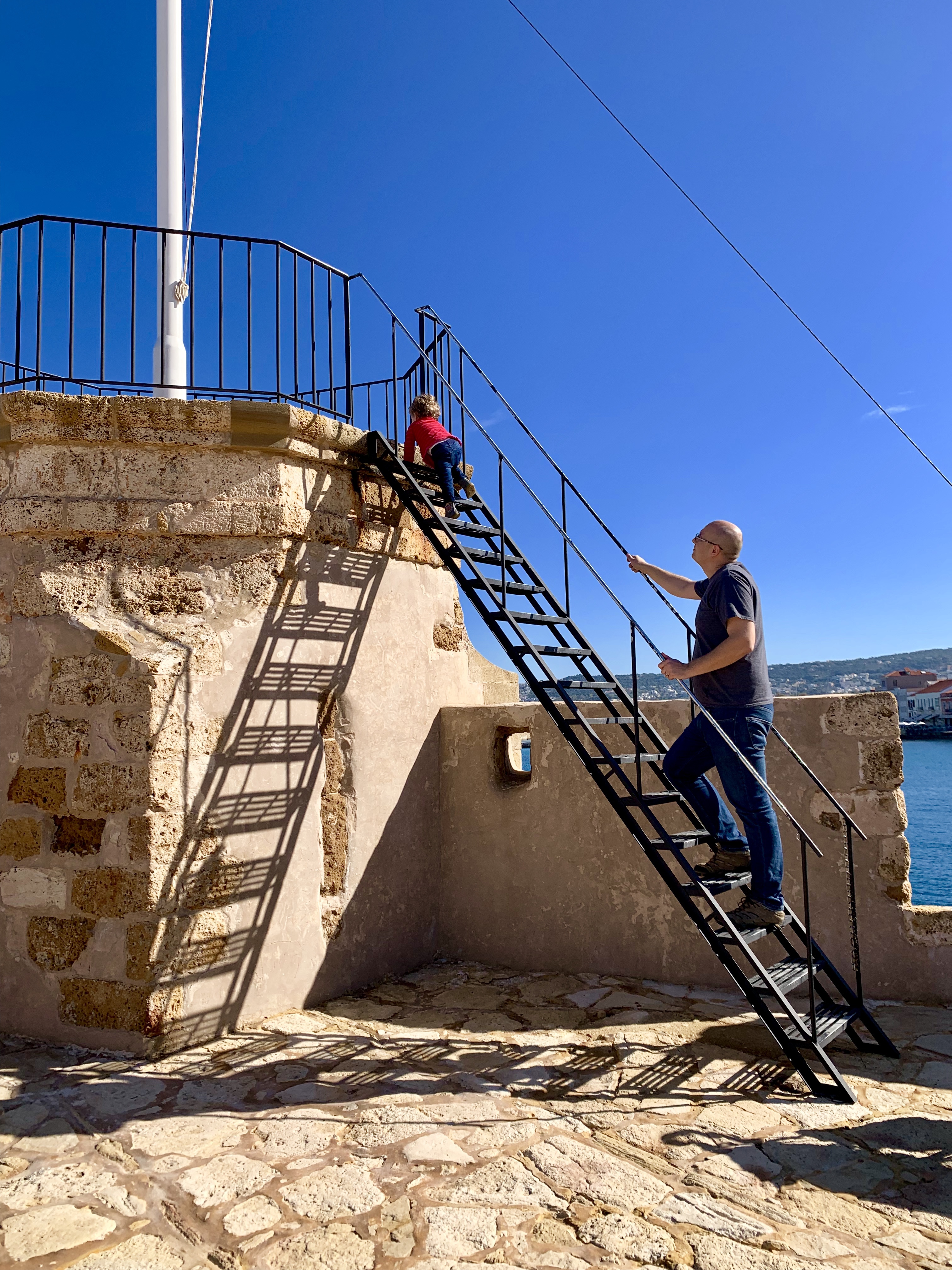
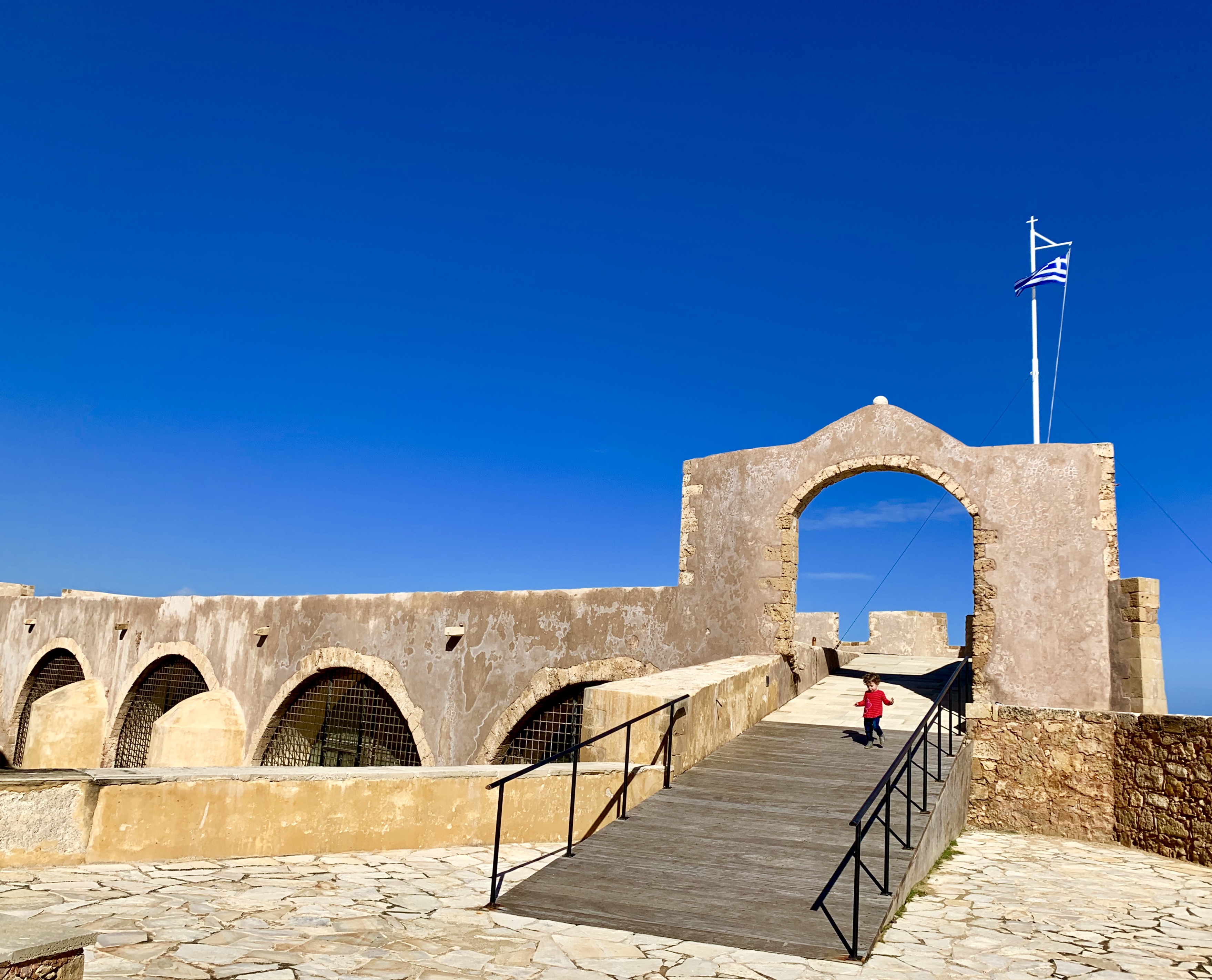
The Maritime Museum of Chania is located on the west side of the harbor, an easy walk from the free, public parking lot. At only €3/person, it’s worth paying the fee just to gain access to the elevated view of the port and lighthouse. If you have the time, there is an indoor portion to the museum with displays explaining the history of the Venetian occupation, shipbuilding process and artifacts discovered during recent renovations.
The Egyptian Lighthouse of ChaniaClimbing to the highest vantage pointThe port was fortified for battle with large walls and well-positioned canonsThe Maritime Museum is great for kids who want to explore as well as learn
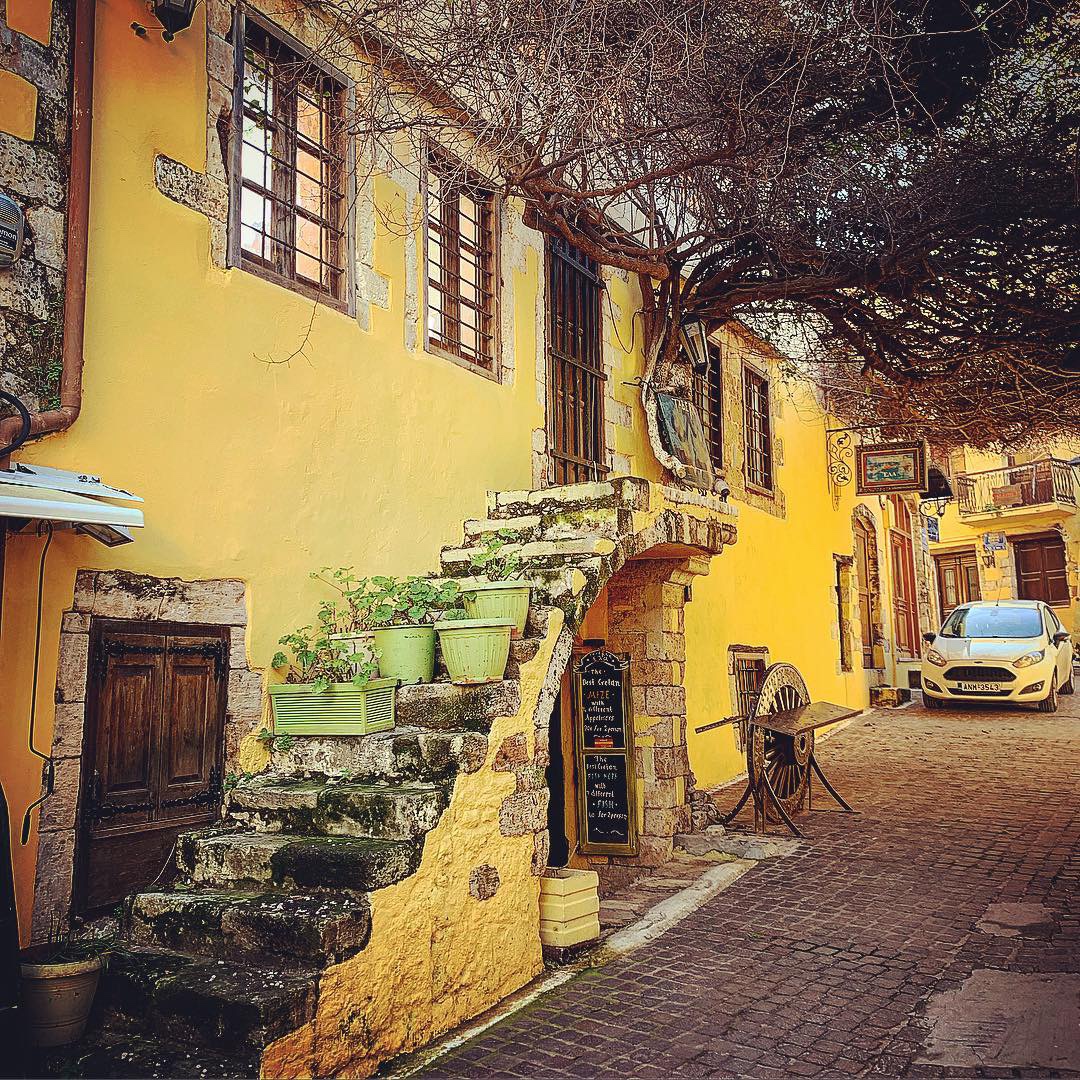
After the Maritime Museum, we walked through the alleys of old Chania, just to make sure we didn’t miss any better lunch options. It’s cliche, but we always like “going off-road” in other countries because you can get away from the Tourist traps and see more local life. I often find this is where the photographic gems hide, too.
Stairs to nowhere with a pub belowYellow alley
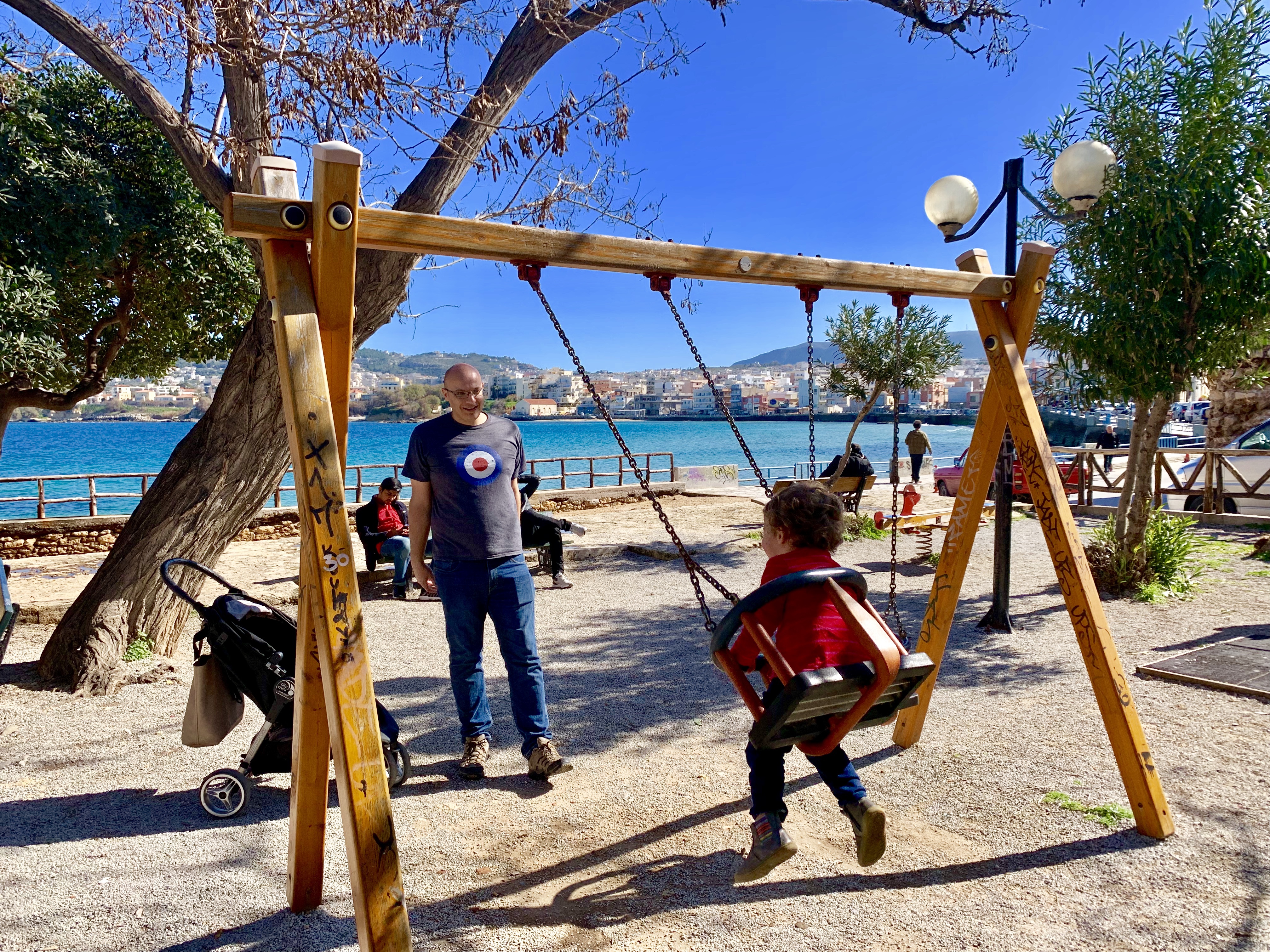
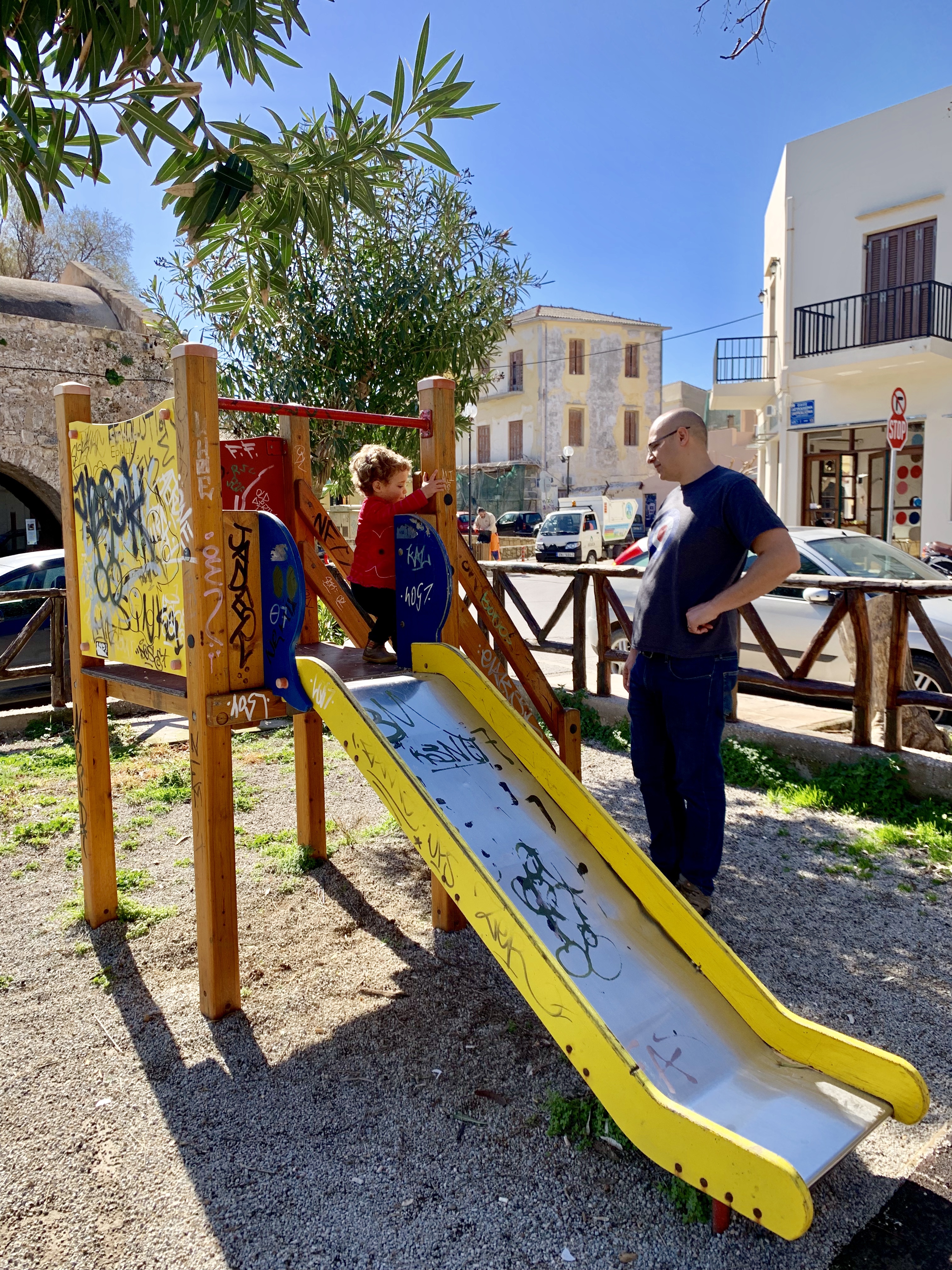
We’d spent the morning exploring what we wanted to see, so we knew our daughter would need to run around and let out some energy. Fortunately, along the walk from the parking lot to Porto Veneziano, there’s a small but scenic playground perfect for kids age 2-10 years.
Driving Southwest to Villa Irene in Livadia, Crete
After the playground, we packed ourselves back into our rental car for the adventurous drive to our AirBbB in Livadia, Crete. Amir has researched the drive well in advance of our trip, so he knew to expect winding, at times, trecherous roads. It’s definitely an adventure for daylight, and also requires an SUV.
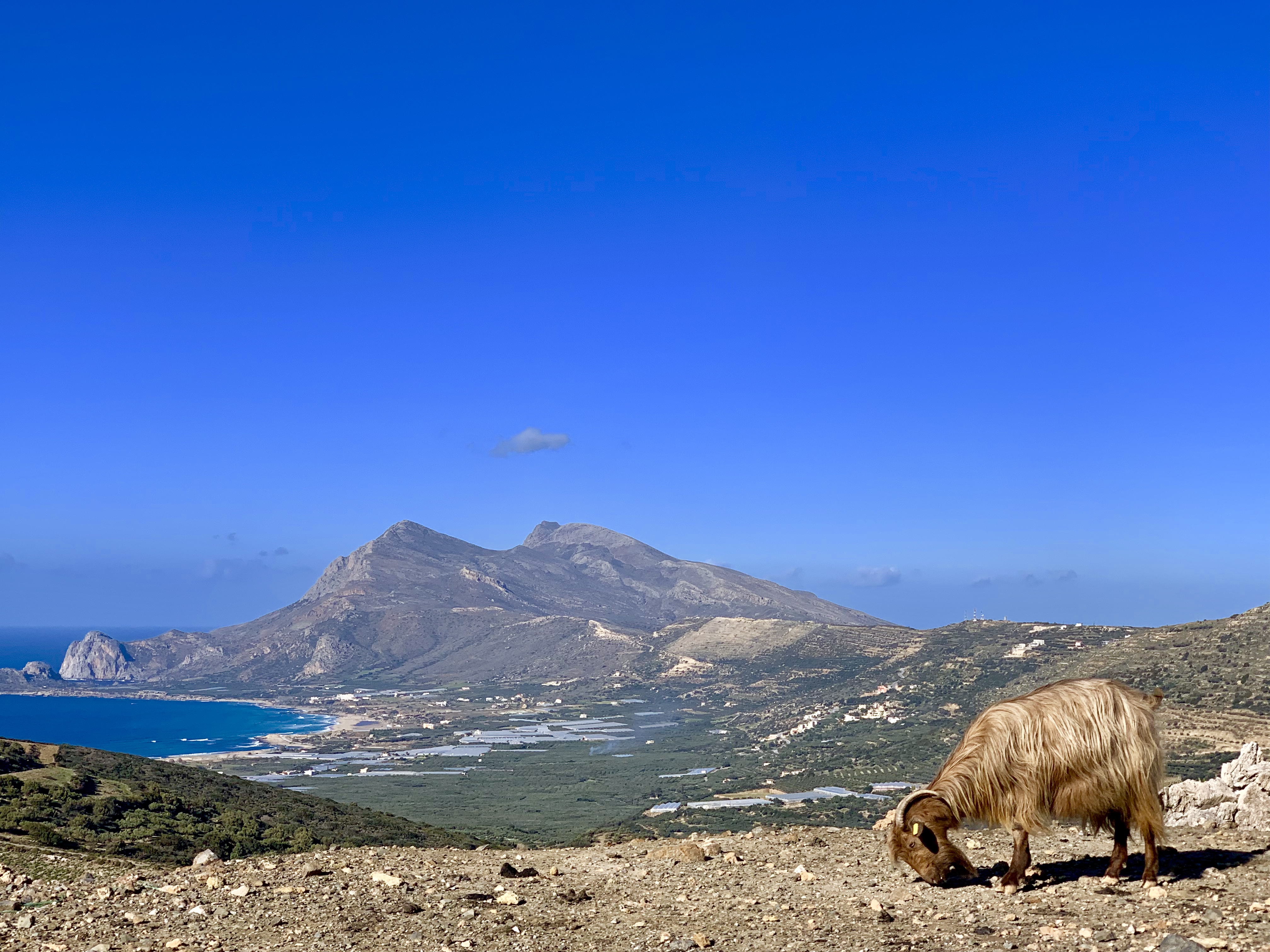
The road is narrow, requiring one car to yield to another when two approach at the same time. Similar to our drive in Cornwall, England, there are many hairpin turns and near-misses involving livestock – in this case goats and sheep.
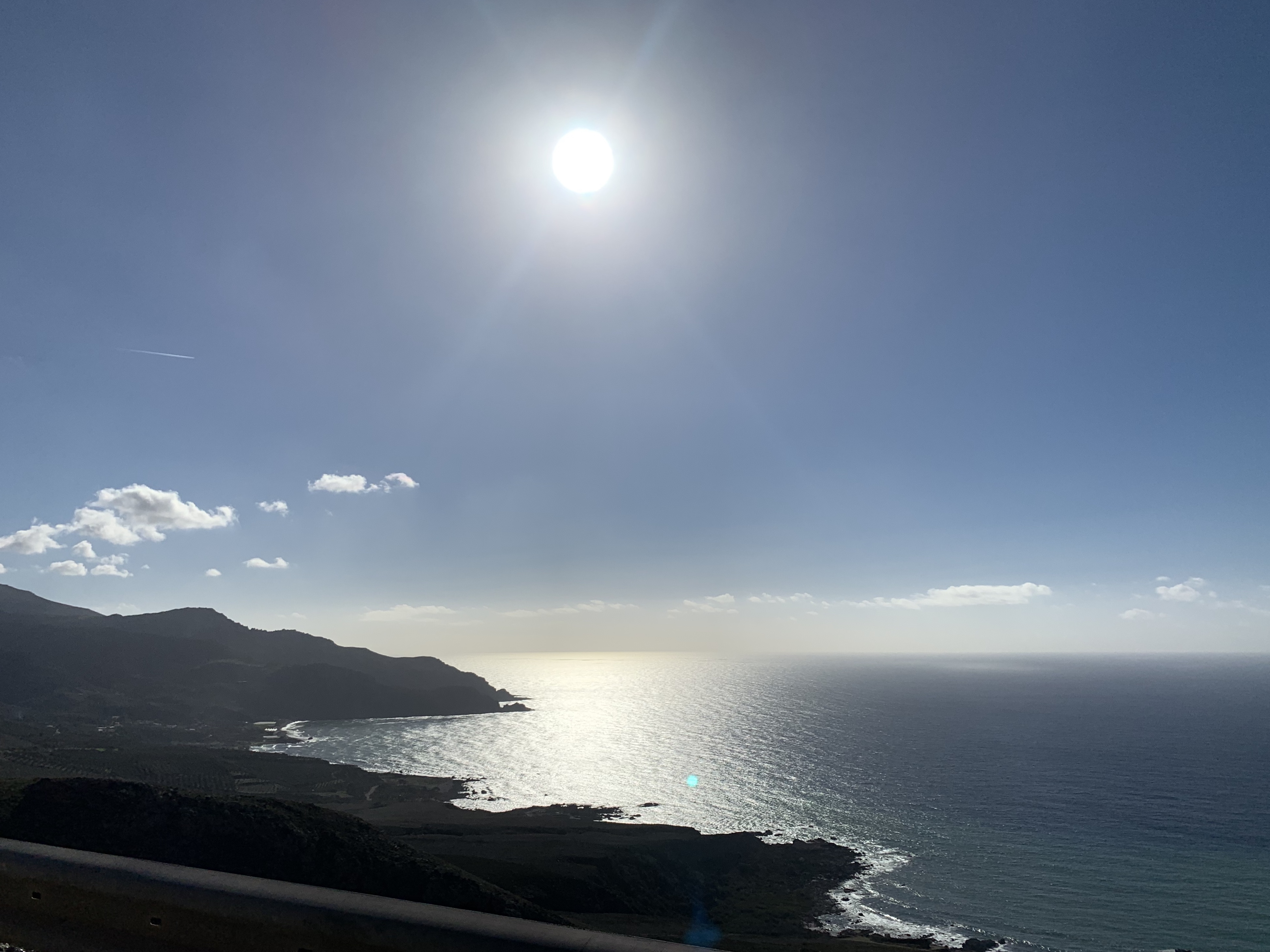
While the drive was heart-stopping, it was also breathtaking, with small moments of beauty revealing themselves with each turn. It’s most comparable to driving the Pacific Coast Highway in California, but with small villages, livestock and weathered townspeople dotting the way.
Villa Irene in Livadia, Crete
Our AirBnB was difficult to find given there are no street names or house numbers. Restaurants and homes are known only by their name, which is feasible when the villages and population are small. Our AirBnB host, Maria, had given us an address for our GPS, but unfortunately that plan failed as we rented a TomTom with our car, and she had meant Google Maps via a smart phone. We solved the problem by calling her on the phone the old fashioned way and reading aloud the limited signage and landmarks we could identify. Despite our navigational issues, we arrived without our projected one hour window, before sunset, and with time to relax.
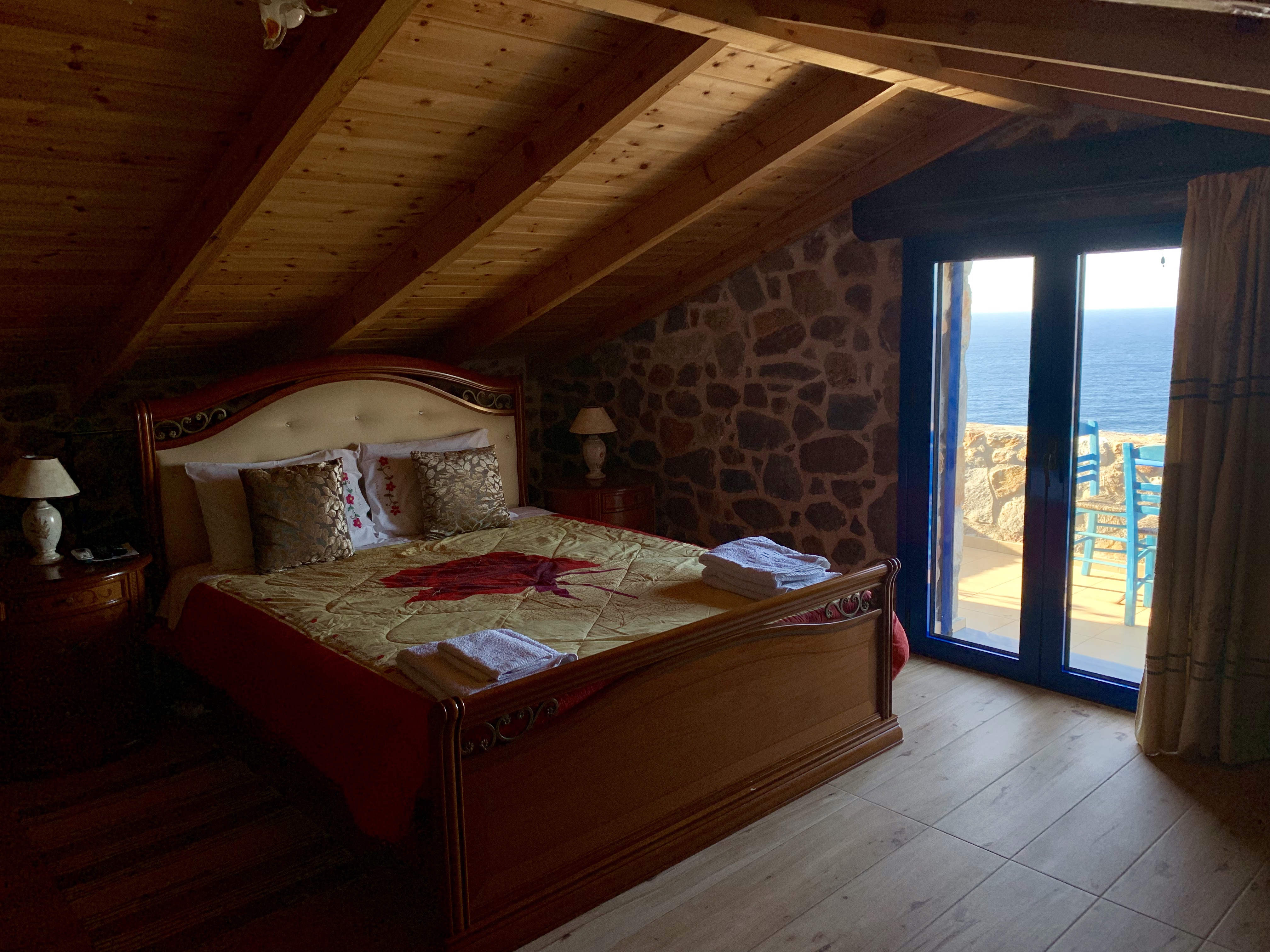
Villa IreneSecond floor balconyMaster bedroom and balcony
We found Villa Irene though a simple search on AirBnB. The listing had an icon identifying it as “usually booked” – it caught my attention. At just $164/night off-season, it’s a bargain. You can check out the details here. The only negative mentioned about the place is its remote location. But, after just one day here I can say that while it is remote, that doesn’t mean there isn’t anything to do. If you want extensive shopping and nightlife, this is not it. If you want nature, amazing views and authenticity, Villa Irene is your spot.
At the risk of sounding like a promo for the place, here are a few more photos from around the property.
Stone exterior with Mediterranean blue accents
Green space with safety fence
#1 Toddler loves the swing set by the olive treeOutdoor dining space





















































 TeamLouka